


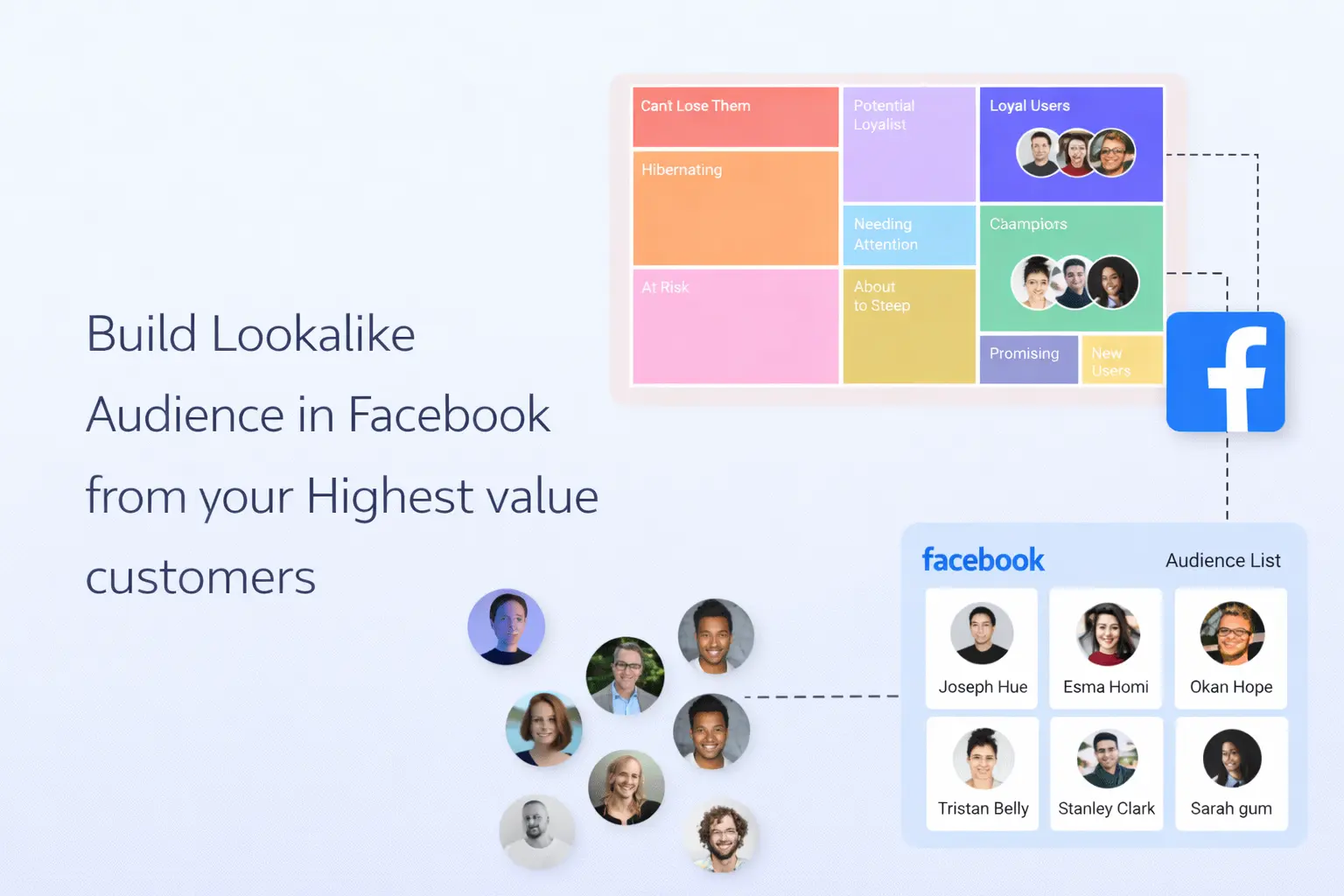
Creating High-Conversion Lookalike Audiences Using NotifyVisitors + Facebook Ads
Introduction
In this recipe, we’ll explore a highly effective method for creating lookalike audiences with a significantly high probability of conversion and how to effectively target them through Facebook Ads.
While Facebook Ads offer a vast pool of potential customers, the challenge lies in identifying those who are not only interested but also more likely to make substantial and consistent purchases over time. To create lookalike audiences, you can employ various targeting criteria such as location, audience size, engagement metrics, customer value, behavioral and interest factors, or even specific conversion events. As NotifyVisitors tracks all this data, you can create segments of your existing user base in NotifyVisitors based on any of the above targeting criteria and create lookalike audiences.
However, it has been widely observed that one of the most potent strategies for building a high-conversion lookalike audience is by focusing on the value of your existing customers. These tailored lookalike audiences empower brands to automatically connect with their ideal buyers who exhibit a higher propensity for conversion.
This recipe eliminates the need for manual audience creation—often time-consuming and imprecise—as mere “likes” and general interests tend to be inadequate predictors of customer value. Instead, we guide you on consistently targeting an audience that closely mirrors your highest-value customers—the loyal patrons who repeatedly purchase and engage with your brand.
Step 1: Segment High-Value Customers Using RFM Analysis
To effectively gauge and categorize customer value, NotifyVisitors employs automated algorithms that calculate each customer's RFM score, which stands for:
-
Recency – How recently a customer made a purchase
-
Frequency – How often a customer buys
-
Monetary – The total purchase value
Using these scores, NotifyVisitors automatically segments your audience into categories such as Champions, Loyal Users, At-Risk, Hibernating, and more.
How to Create RFM Segments
-
Access the Segments section within the NotifyVisitors panel and choose RFM Segments.
-
Click the settings icon and select a duration for segment creation.
-
Recommended: 180 days
-
For fast purchase cycles, use a shorter duration
-
-
After specifying the duration, click Create. Your segments will be generated automatically within minutes.
For more in-depth information on RFM segments, click here.
Step 2: Sync Segments With Facebook
The Champions and Loyal Users segments have notably high RFM scores. We recommend syncing both of these with your Facebook audience list.
Before syncing, ensure your Facebook account is connected to NotifyVisitors. If not, follow the guide “Prerequisites of Facebook Integration.”
Steps to Sync Segments
-
Navigate to Campaigns → Retargeting Ads → Create Campaign → Facebook.
-
In Target Segment, choose:
-
Sent to Rule: Users in any of these segments
-
Select Champions and Loyal Users
-
-
Optionally, exclude certain users by selecting an exclusion segment.
-
Select your Facebook ad account and the corresponding audience list.
Once you’ve filled in the necessary details, send the campaign to sync the segment with your Facebook audience list.
Important Sync Requirement
Facebook requires at least 1,000 matched users for lookalike creation.
Because not all emails/phone numbers will match, we recommend syncing at least 2,000 users to ensure reliable results.
For more detailed steps, see “Sync NotifyVisitors Segments with Facebook Audience.”
Step 3: Create a Lookalike Audience
Now that your audience is synced, you can proceed to create your lookalike audience on Facebook.
Steps to Create a Lookalike Audience
-
Go to your Facebook page and click Audiences.
-
Open the Create Audience dropdown and select Lookalike Audience.
-
For Source, choose your synced custom audience.
-
Select a lookalike percentage (1% to 10%).
-
1% = Closest match
-
Higher % = Broader audience
-
-
Click Create Audience.
Facebook may take 6–24 hours to generate the lookalike audience.
Auto-Refreshing Lookalikes
If you enabled the recurring option in your campaign, NotifyVisitors will continually sync your segments.
Facebook will then automatically update your lookalike audience every 3–7 days, ensuring consistently optimized targeting.
Learn more about Meta’s lookalike audience guidelines here.
💡 Pro Tip
Create two separate audience lists for your Champions and Loyal Users.
Run separate ad campaigns for each to compare performance and optimize your bidding strategy.
For additional insights on optimizing lookalike audiences, click here.
Conclusion
Creating Lookalike Audiences on Facebook from your highest-value customers is a powerful way to boost the impact of your advertising campaigns. By leveraging NotifyVisitors’ RFM analysis, you can easily identify top customer segments, sync them with Facebook, and build high-performing lookalike audiences. This ensures that your ads reach users who are more likely to convert, yielding stronger ROI and long-term business growth.