We've simplified the NVECTA login experience. You no longer need to know whether you're a master account owner or a sub-account user — everyone now logs in the same way, from the same screen.
What's changed
Before: Sub-account users had to click "Login with sub account," enter the master account's email address first, and only then enter their own email and password.
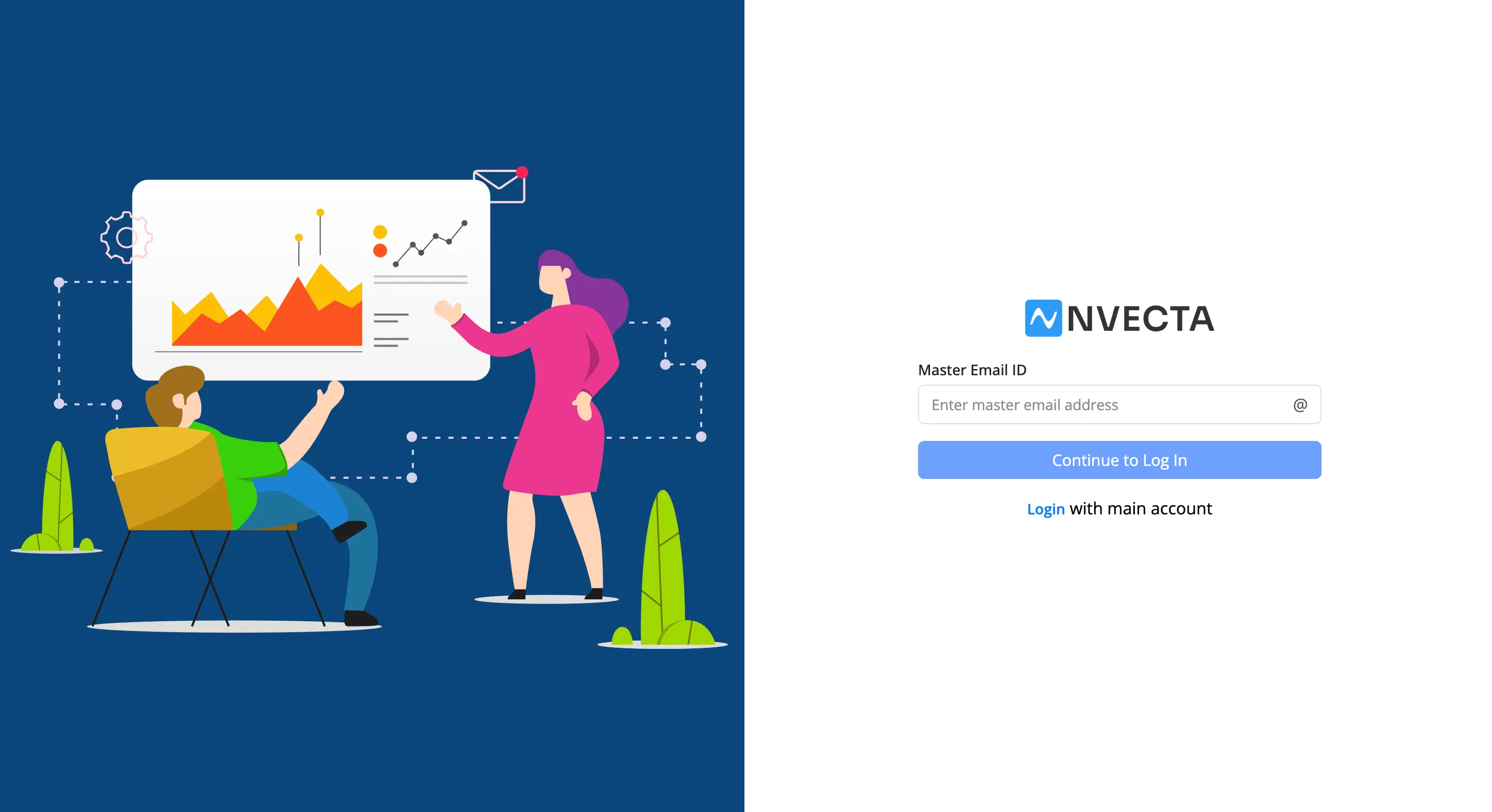
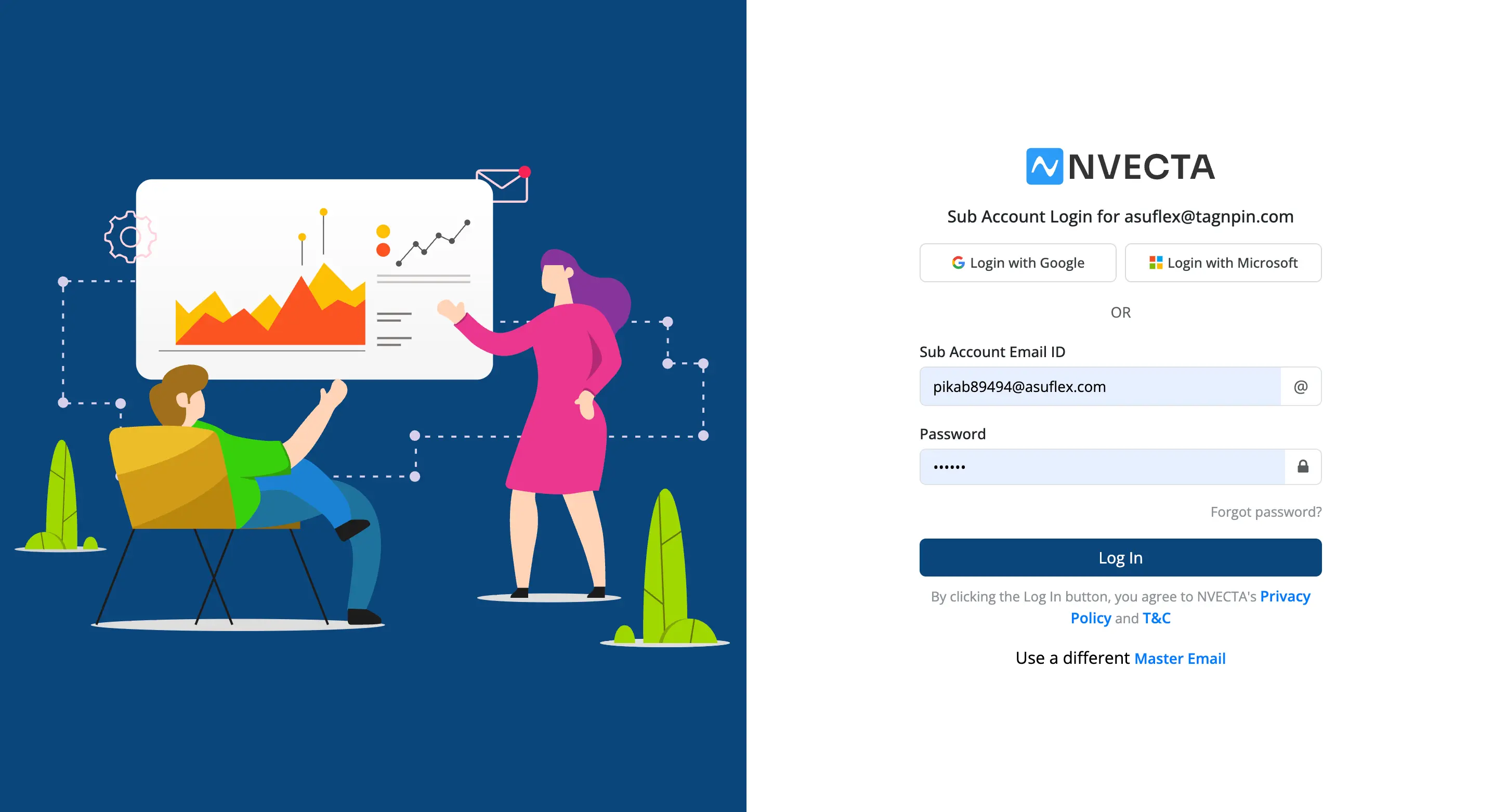
Now: Just enter your email and password. That's it. NVECTA identifies your account automatically.
How to log in
→ Go to the NVECTA login page.
→ Enter your Email ID and Password, or use Login with Google or Login with Microsoft.
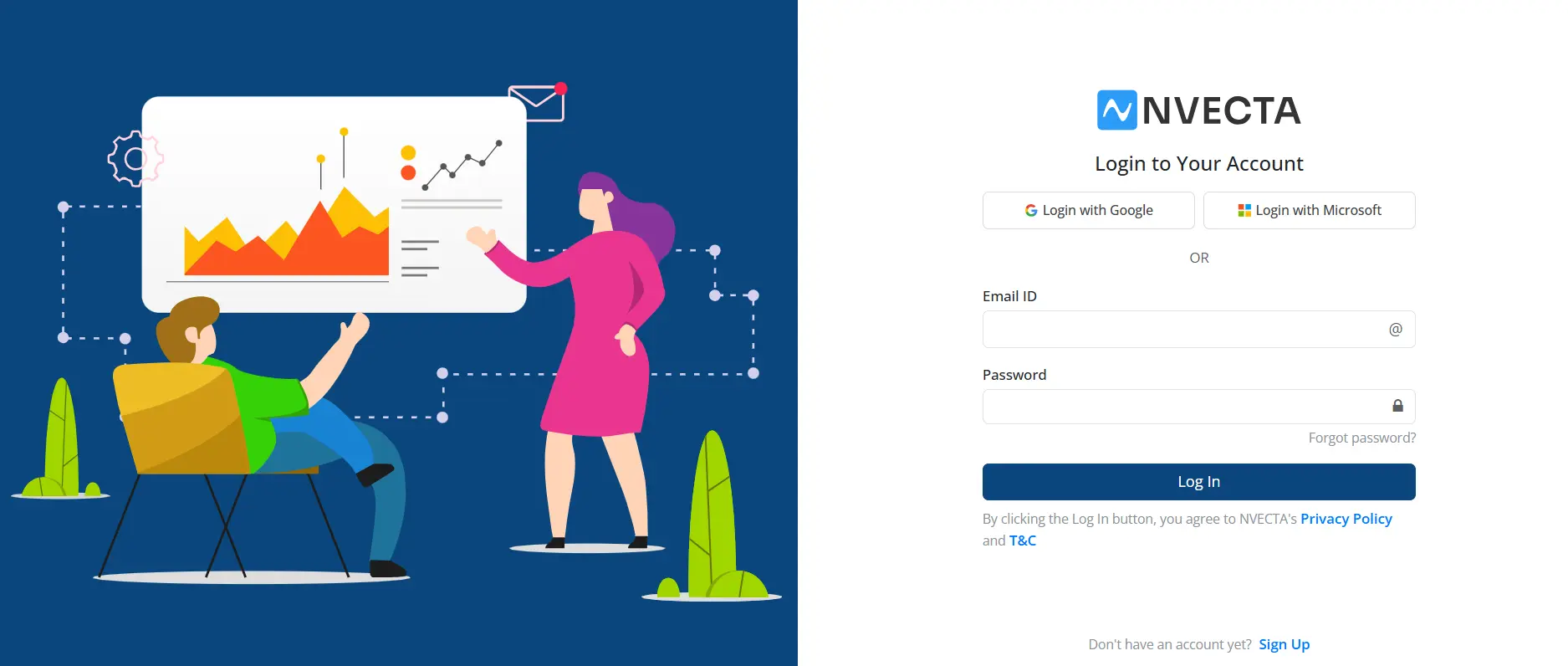
→ Click Log In.
→ If two-factor authentication is enabled on your account, enter the OTP sent to you.
Whether your credentials belong to a master account or a sub-account makes no difference — the same steps apply.
If you have access to more than one account
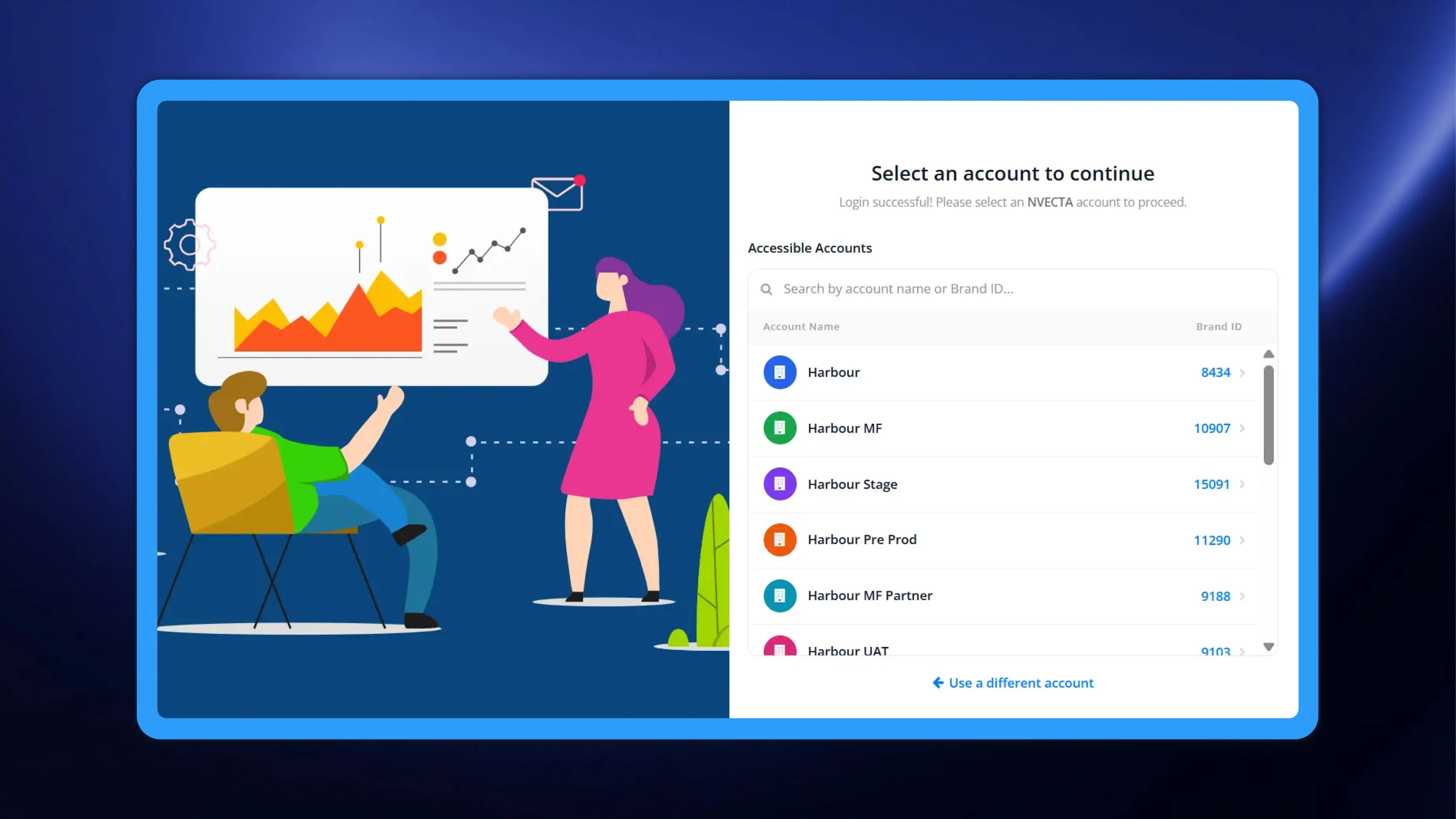
Some users have access to several NVECTA accounts under the same email address and password. In that case, after logging in, you'll see a Select an account to continue screen listing all the accounts available to you.
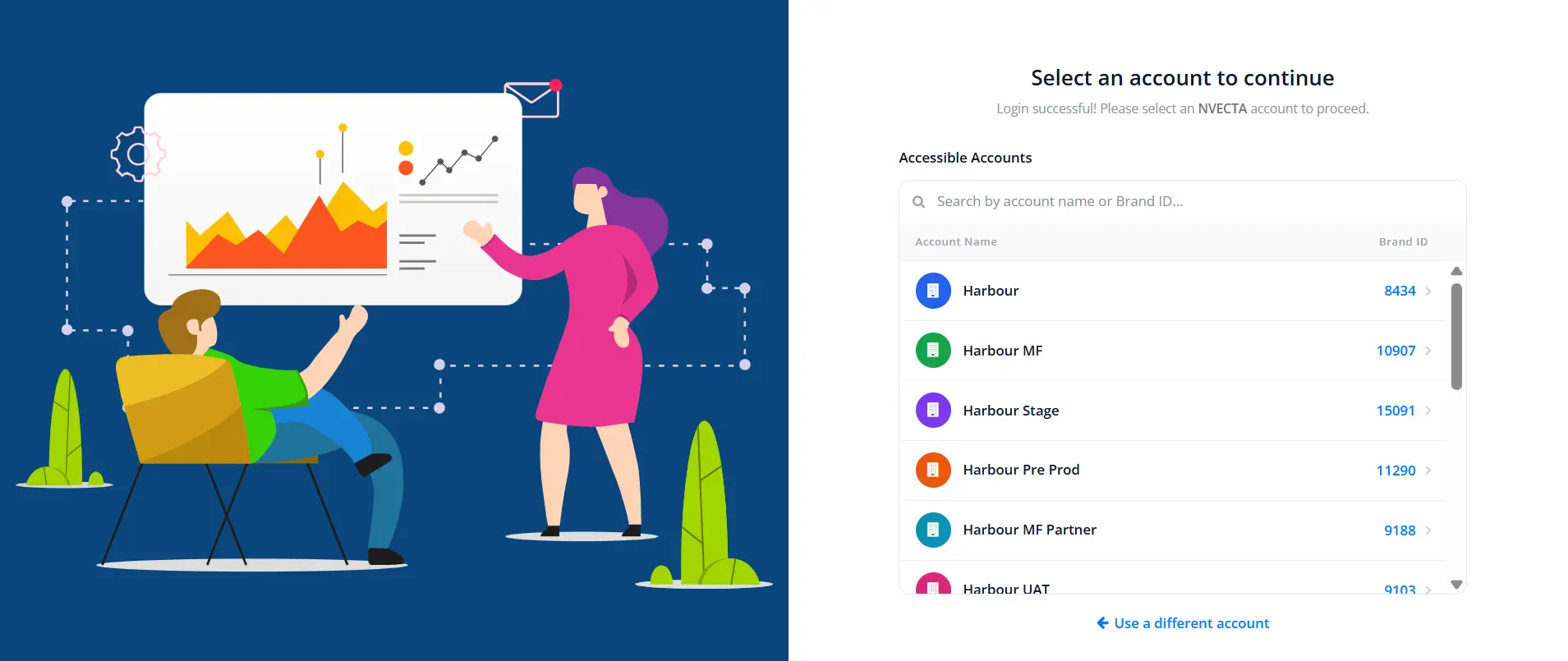
→ Each entry shows the Account Name and its Brand ID.
→ Use the search box to filter by account name or Brand ID if the list is long.
→ Click the account you want, and you'll be taken straight into it.
Note: This account list only appears if you have two or more accounts that share both the same email address and the same password. If your accounts use the same email but different passwords, you'll be signed in directly to the account that the password belongs to.
Frequently asked questions
Do I still need my master account's email address?
No. The master email step has been removed entirely.
Has anything changed about two-factor authentication?
No. If 2FA is enabled on your account, you'll still be asked for an OTP after entering your password, exactly as before.
Do my existing credentials still work?
Yes. Your email and password are unchanged. Nothing needs to be reset or re-created.
Why don't I see the account selection screen?
It only appears if you have two or more accounts that share the same email address and the same password. If you have just one account — or your accounts use the same email but different passwords — you'll go straight to your dashboard.
Can I still use Google or Microsoft sign-in?
Yes. Both options are available on the main login screen.