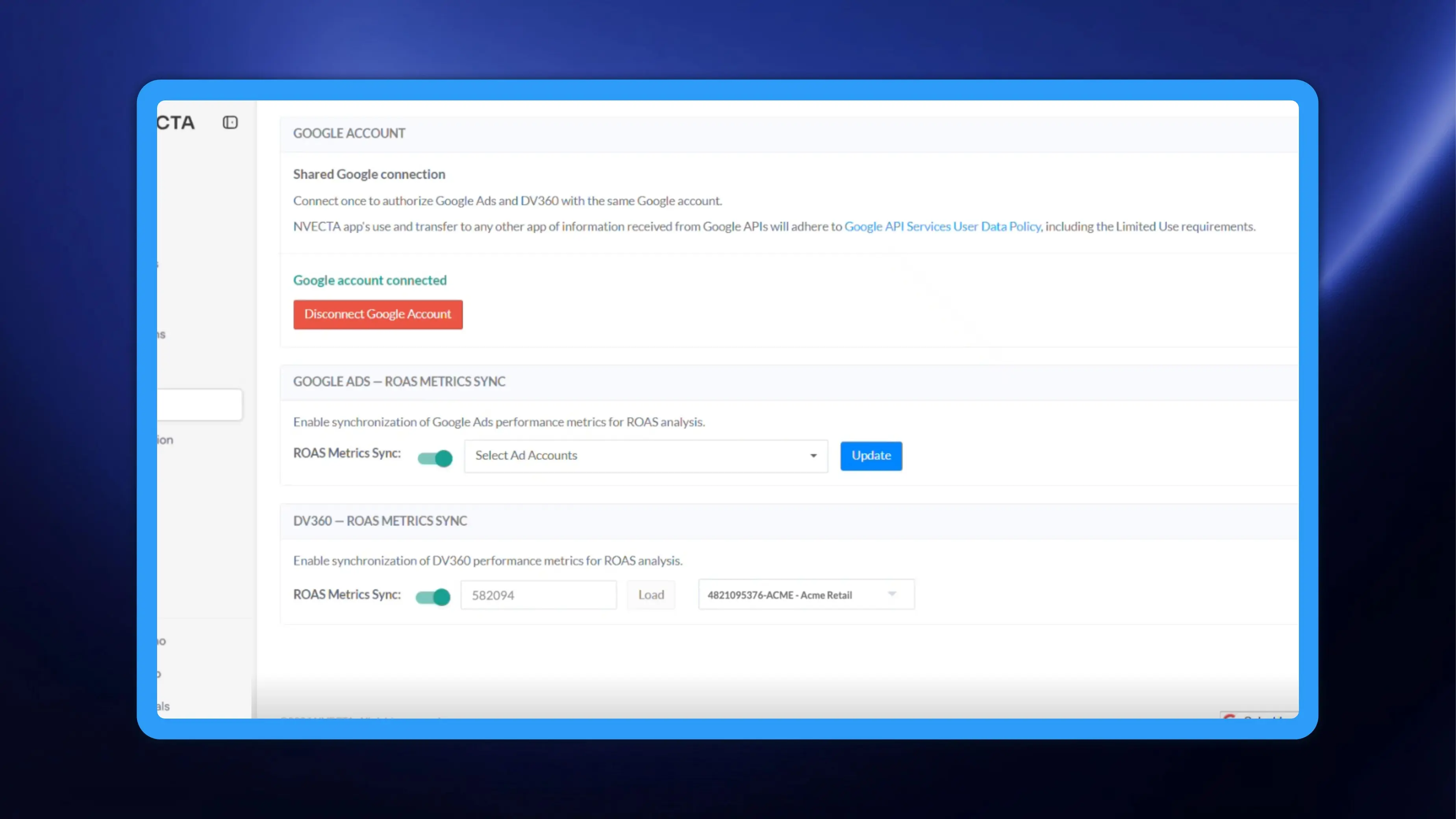
NVECTA now synchronizes DV360 performance metrics on the same Google connection that already authorizes Google Ads. You connect once, point NVECTA at your DV360 partner, pick the accounts you care about, and DV360 shows up as another ad source everywhere you already look at return on ad spend.
How to use it
Go to Settings → Channels → Remarketing Ads and open the Google section.
- If you already connected a Google account for Google Ads, reconnect it once. DV360 needs extra permissions that your earlier authorization does not carry. After the reconnect, a single authentication covers Google Ads and DV360 together.
- If you are connecting Google Ads for the first time, DV360 is included from the start and no second authorization is needed.
- In DV360 – ROAS METRICS SYNC, switch on ROAS Metrics Sync.
- Enter your DV360 partner ID in the field beside the toggle and click Load.
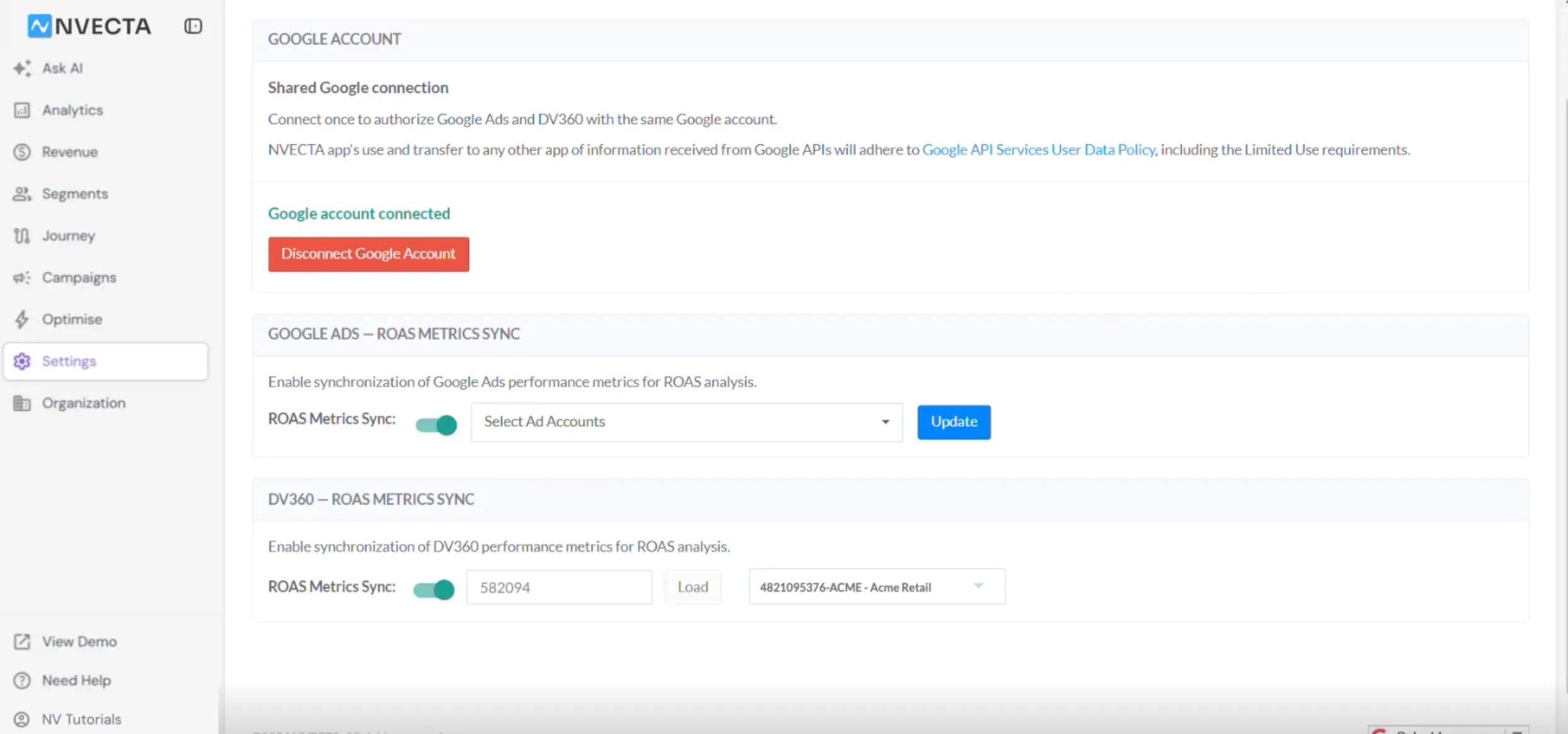
- Open the dropdown that appears after Load and select the DV360 accounts under that partner that you want NVECTA to sync.
Where the DV360 data shows up
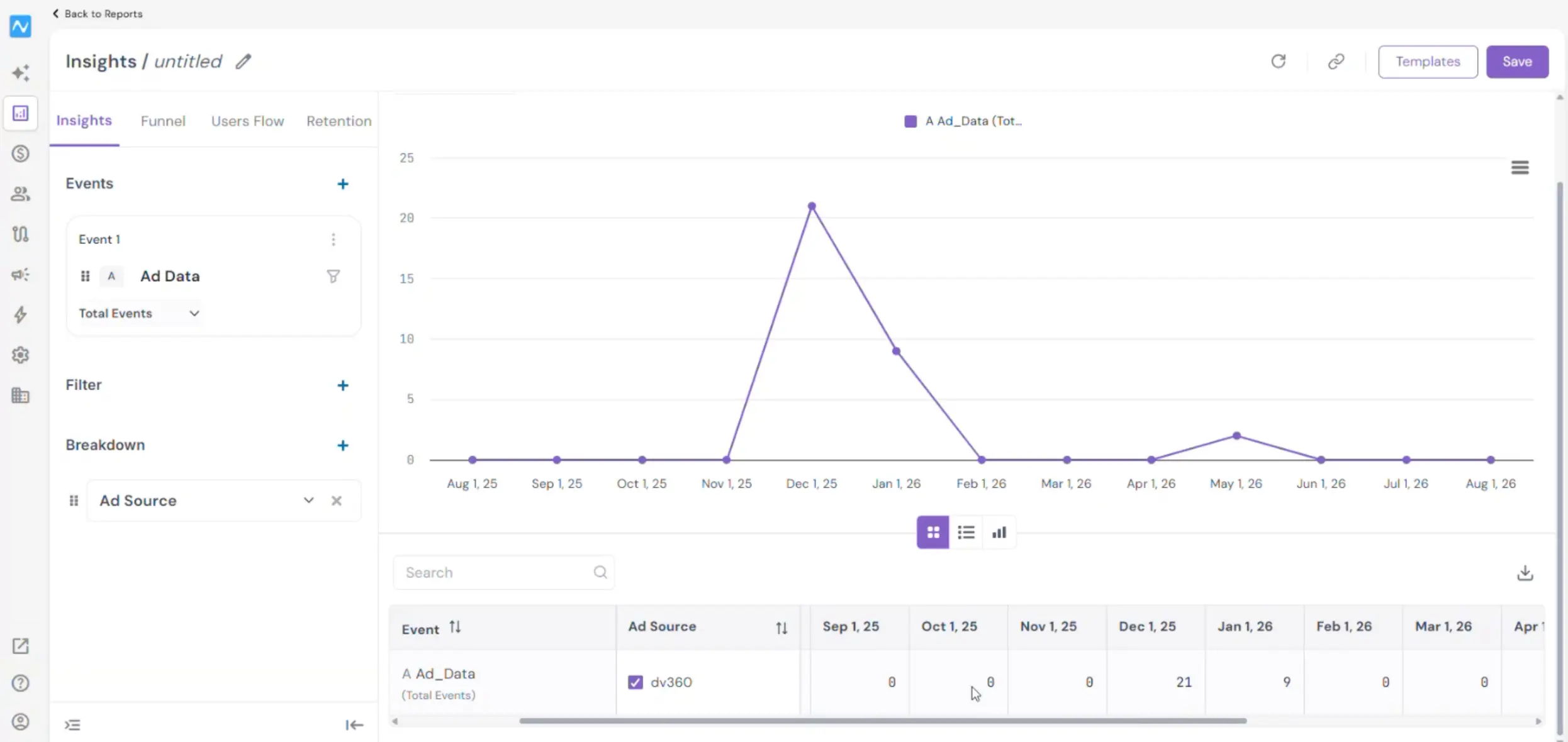
Once accounts are selected, DV360 behaves like any other synced source. For instance, in an Insights report, add Ad Data as your event and set Breakdown to Ad Source: DV360 then appears as a value in the Ad Source column of the table and in the trend chart, split across the report's date columns alongside your other sources. Read Insights report: A multi-event analysis if you have not built one before.
Problem it solves
Ad platforms report on themselves, so any channel NVECTA cannot read is a channel you compare by hand, in a spreadsheet, a day late and without your own conversion and revenue data attached. Syncing DV360 puts its spend, clicks and conversions into the same tables, breakdowns and filters that already hold Ads and other analytics in one place. The comparison that matters, which channel returns more per unit of spend is now possible, and you stay in control of which DV360 accounts are included.
Reconnect once and DV360 stops being the number you reconcile by hand.