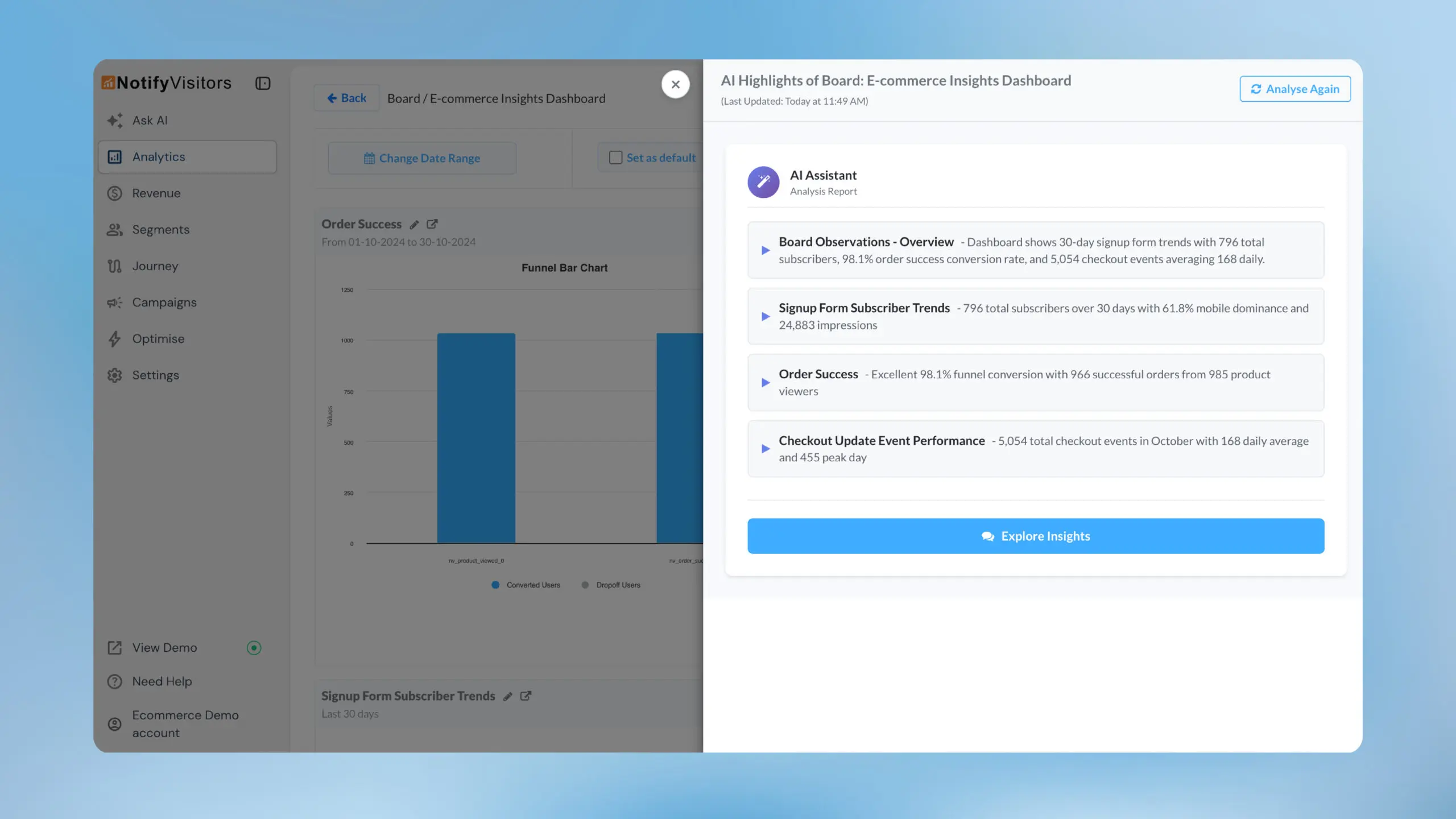
NVecta introduces AI Highlights for custom analytics boards, giving you plain-language summary of your board and its pinned reports. It helps teams quickly understand trends, anomalies, and key insights without manually reviewing every chart. Teams can also ask follow-up or cross-report questions using the AI copilot to explore specific insights in more detail.
Where to find it
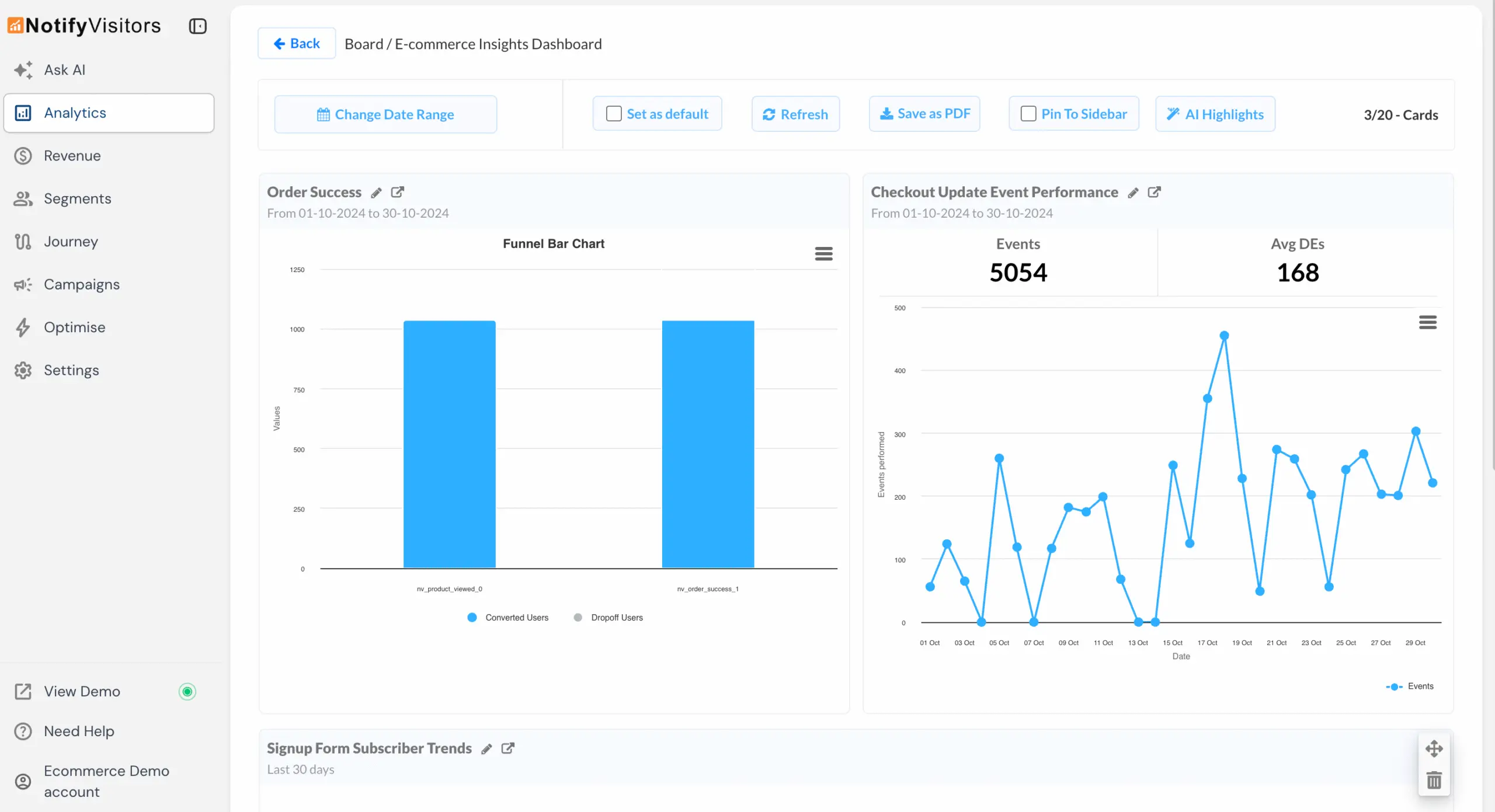
Go to Analytics → Boards. Open any custom board, then click AI Highlights button in the board toolbar (shown in image below).
The panel appears on the right with collapsible sections for board overview plus for each pinned chart.
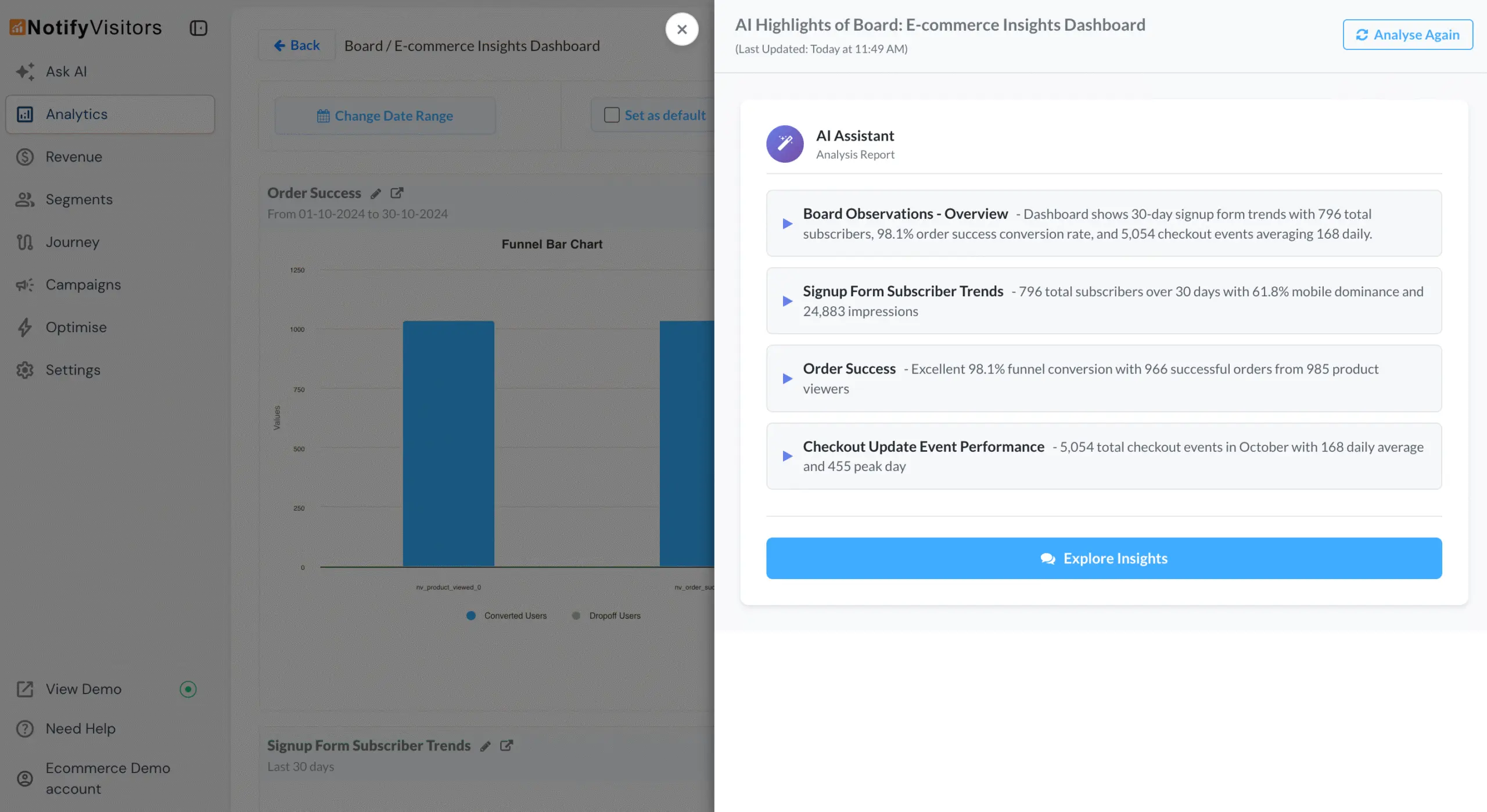
To ask follow-up or cross-card questions, click **Explore Insights. **This opens the AI copilot with same data for conversational queries over it.
The AI report is cached for 24 hours; if you need fresh results immediately, click Analyze Again to re-run the summary on-demand.
Problem it solves
Custom boards provide rich metrics, but extracting the signal, the “what changed and why”, takes time. AI Highlights reduces cognitive overhead by turning multi-card dashboards into a concise narrative and surfacing the most important data points, enabling non-analysts to understand board takeaways and analysts to focus on investigation and action.