Problem Statement
Previously, deleting completed campaigns would also remove their associated data, leading to issues like missing analytics, inaccurate click counts, disrupted sender email insights, and inconsistencies in domain reputation tracking.
Solution
To solve this, we’ve replaced the ‘Delete’ button with an ‘Archive’ option for completed campaigns. Archiving allows you to clean up your campaign list without losing valuable performance data.
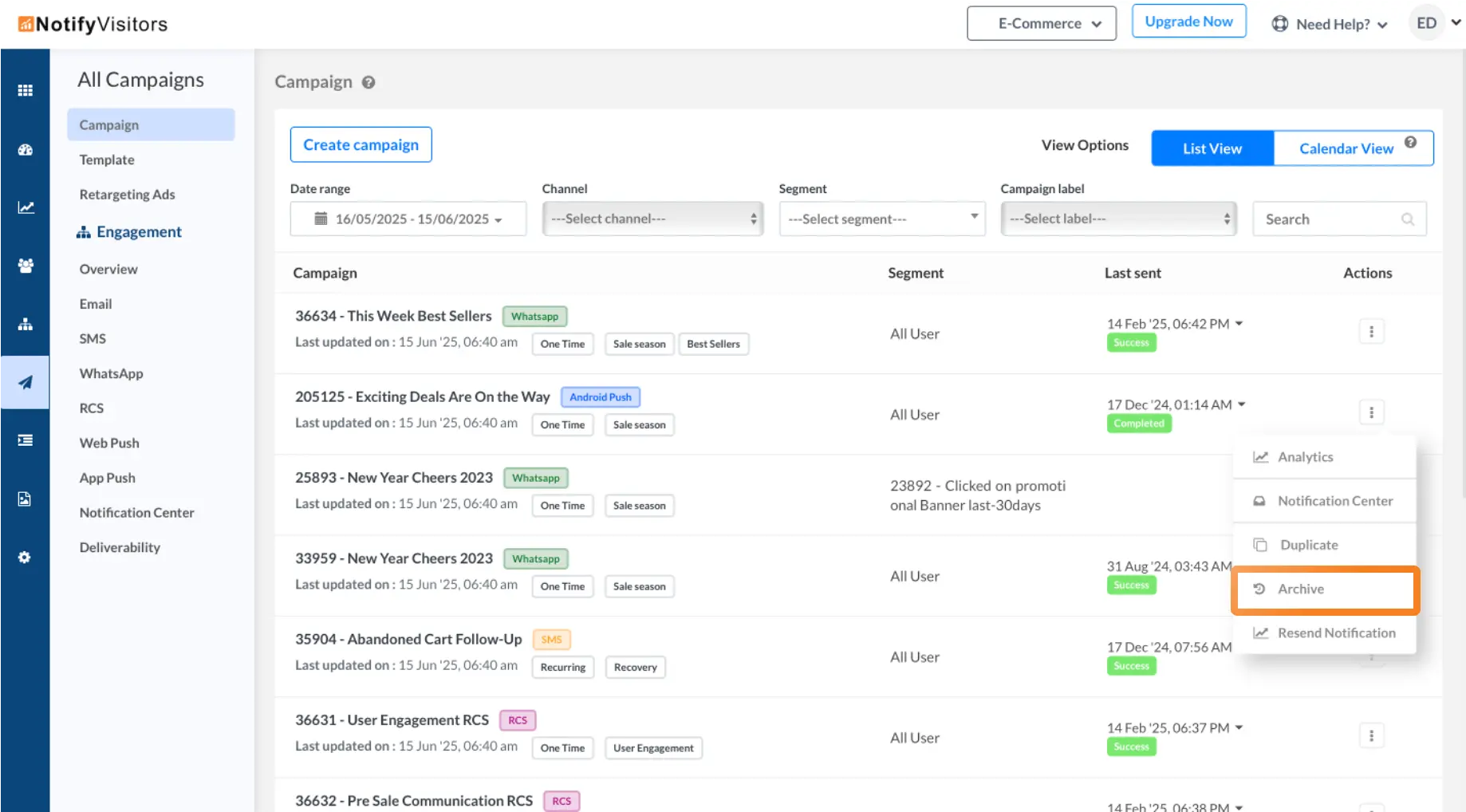
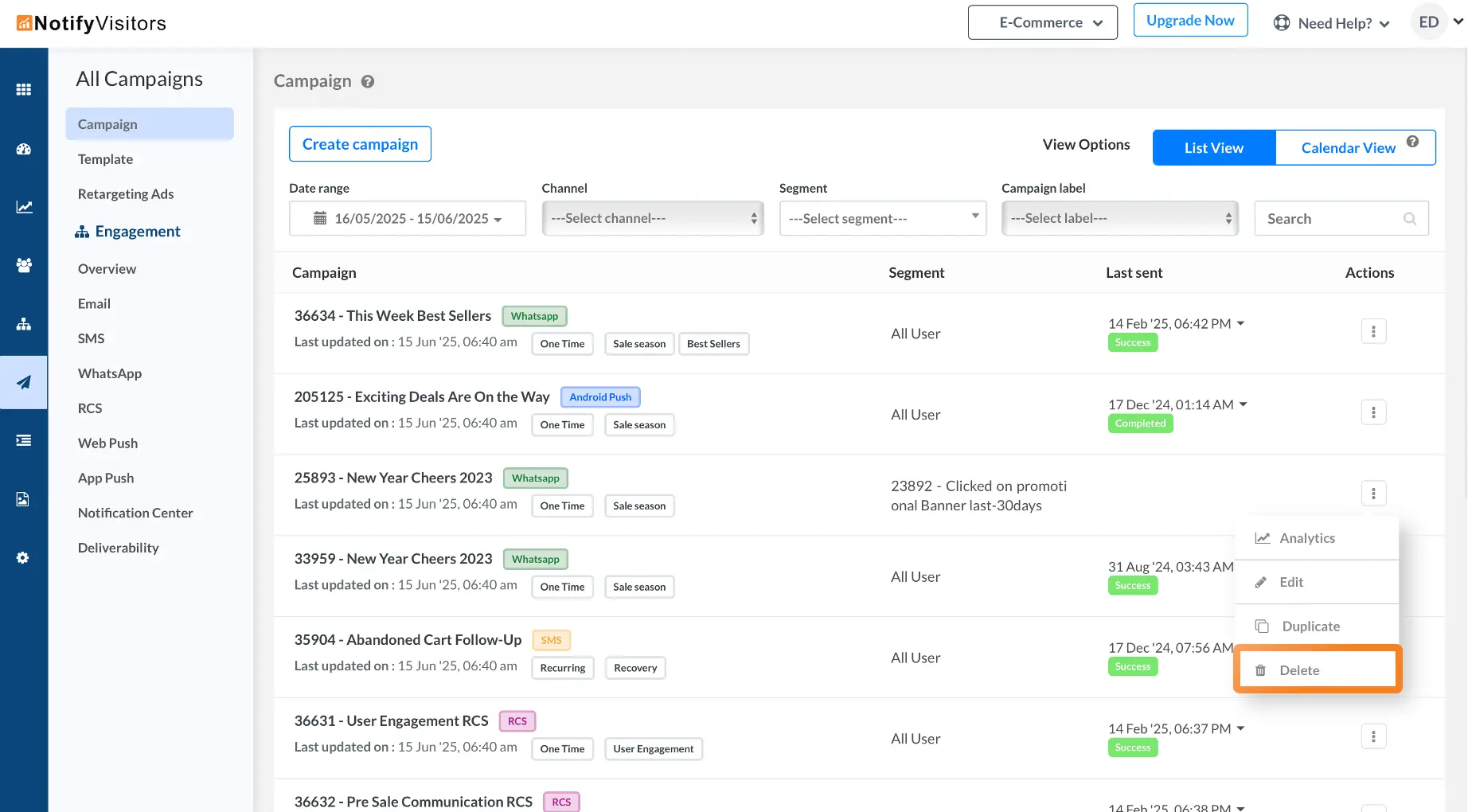
Draft campaigns will still show the ‘Delete’ button, as they haven't gone live yet. But for campaigns that are completed, archiving ensures they’re hidden from view while keeping their analytics fully intact.
Note: Archived campaign data is retained for 180 days, after which it is permanently deleted.
This update helps maintain data consistency and gives you better control over your campaign history without sacrificing insights.