You can now filter your analytics by specific user segments — currently available in Insights and Event Reports.
How it works:
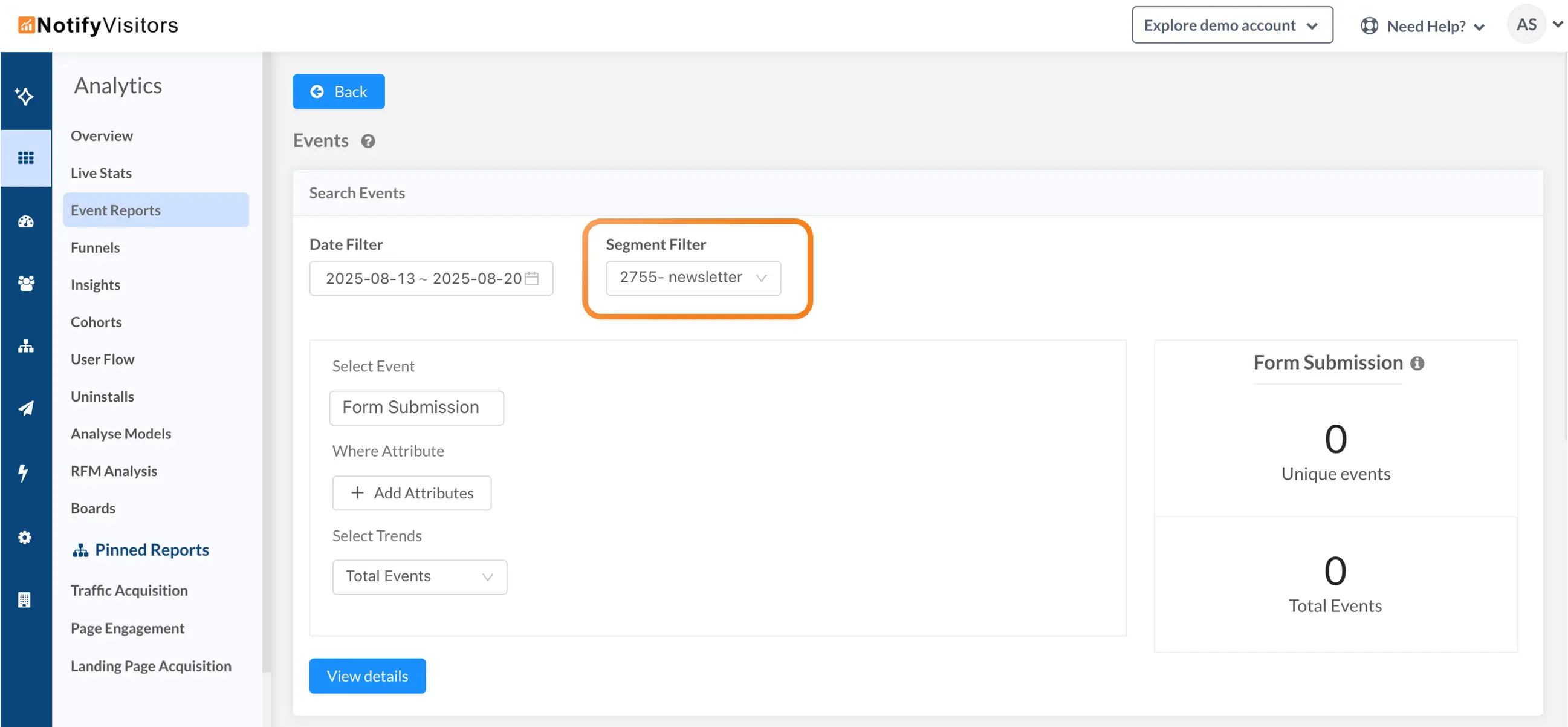
- In Event reports: While creating an event analysis, you’ll see a Filter Segment dropdown at the top. Select any segment, and your report will only include actions/events performed by users in that segment.
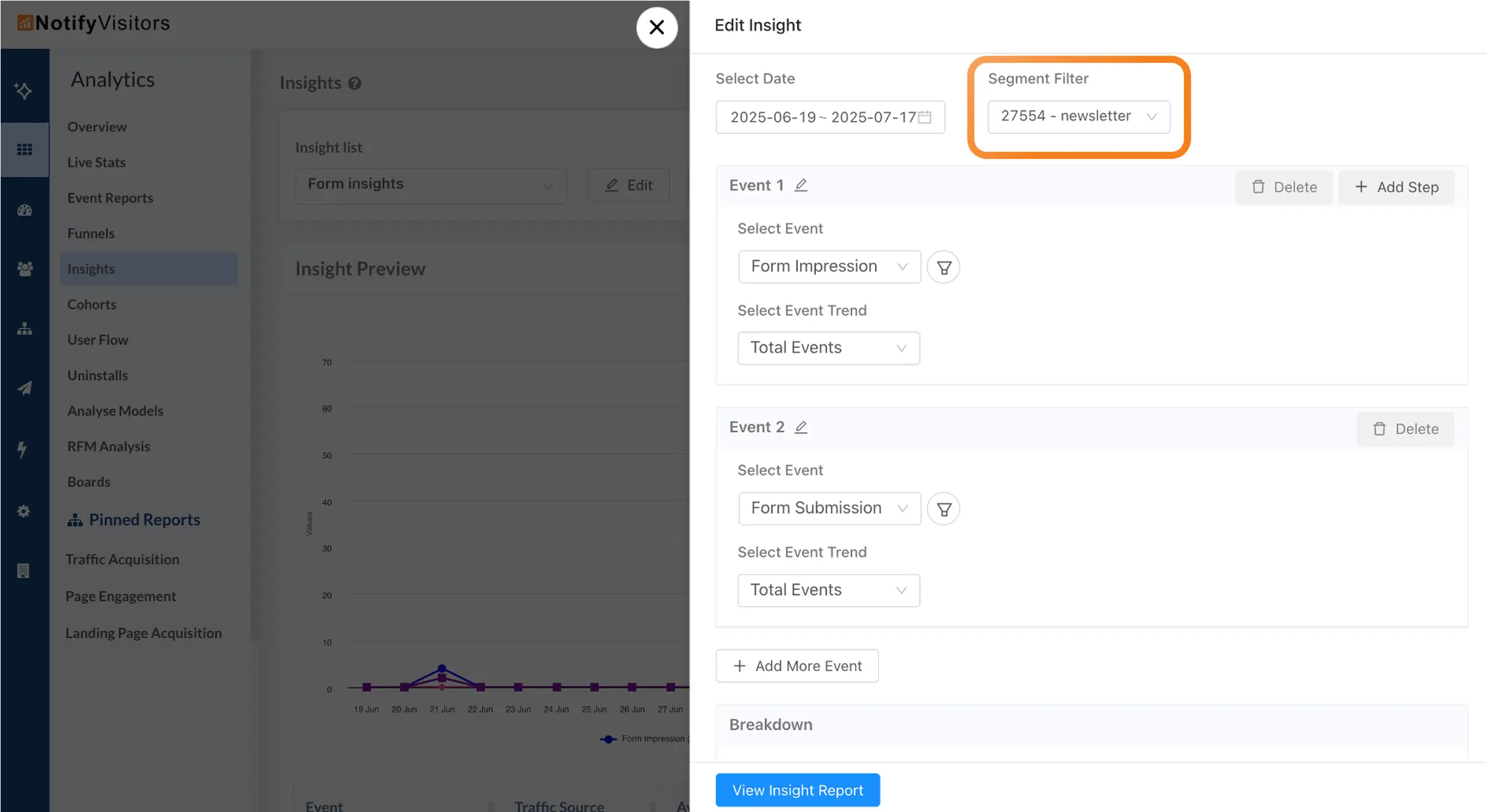
- In Insights: Similarly, when building an Insights report, you can use the Filter Segment dropdown to narrow your analysis to users from a specific segment.
This makes it easy to focus your analytics on the audiences that matter most — whether you’re tracking campaign performance, feature adoption, or engagement trends for targeted user groups.