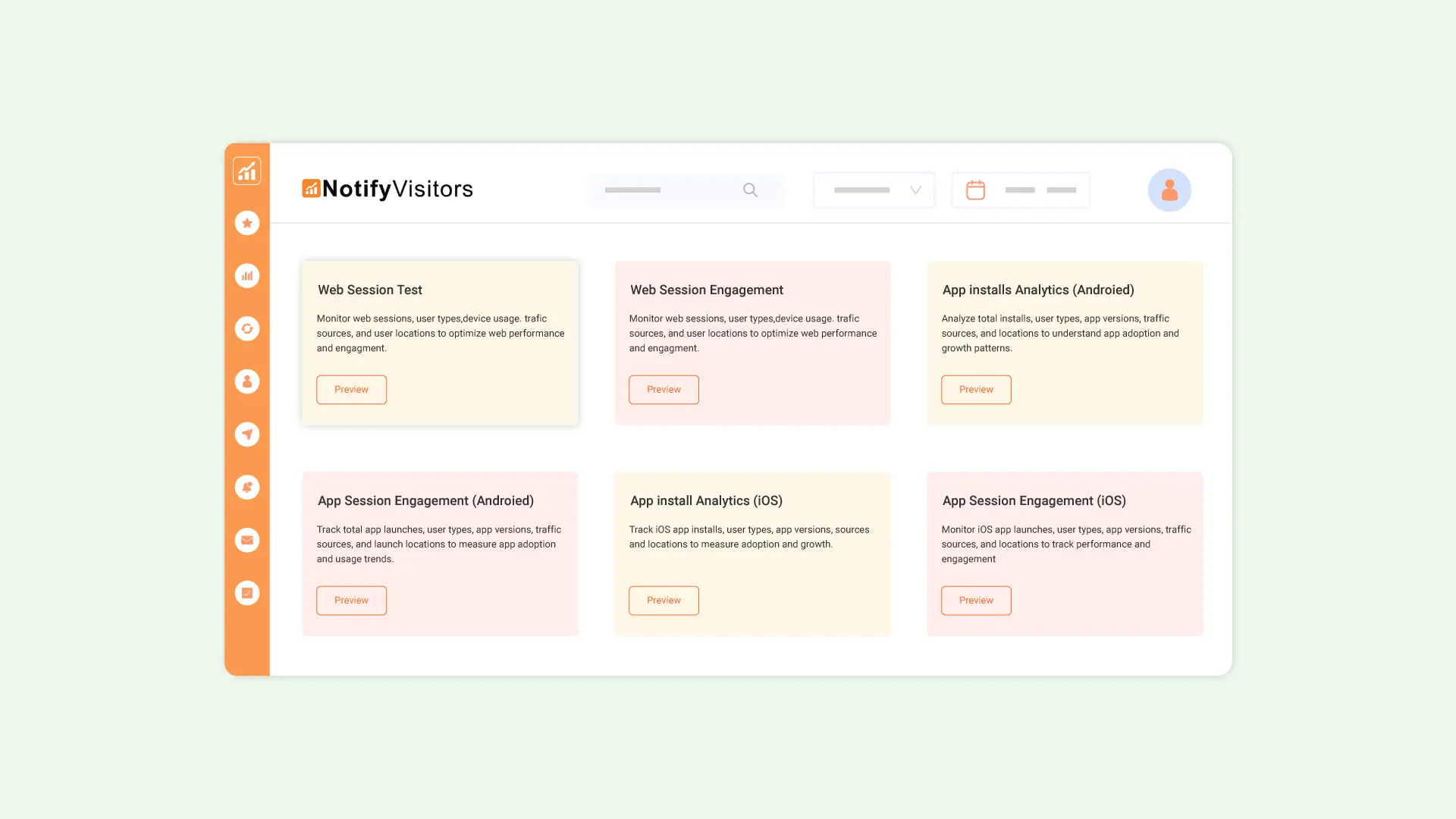
To simplify the process of building custom boards, we've introduced prebuilt templates. These templates help you quickly generate the type of analytics board you need, without starting from scratch.
For example, if you want to create a Web Session Analytics board, simply select the corresponding template. It comes preloaded with all the relevant reports.

To use a prebuilt board template, simply navigate to the Boards section in the sidebar. Then click "Create New Custom Board" and choose from the list of available prebuilt templates. Click the Preview button to view what type of reports the template contains and lastly click on Save as Board to create this custom board. Once created, you can easily customize the board by adding or removing analytical cards as needed.

These templates are designed to save time and ensure consistency in reporting.