

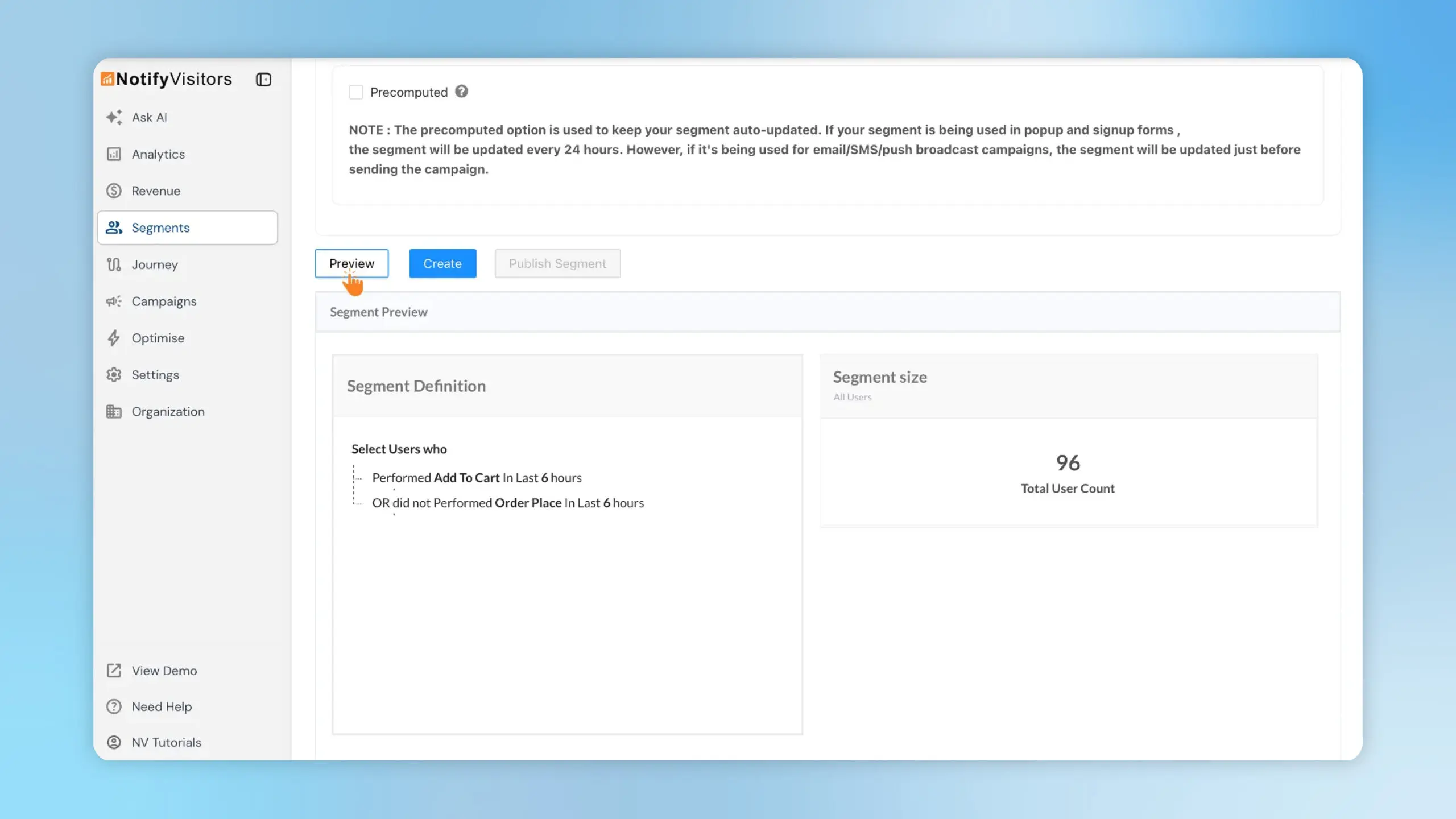
Building segments used to be a little blind—you defined rules, saved the segment, then hopped to analytics to check how many users it contained. That slowed iteration and led to guesswork. Segment Preview fixes this by showing the live segment definition and total user count while you’re creating it. With this, you can confirm that your rules are correct and that the audience size matches expectations—before you create or publish.
How to use it
-
Add user properties and include/exclude rules.
-
Click Preview to load the Segment Definition and the Total User Count in real time.
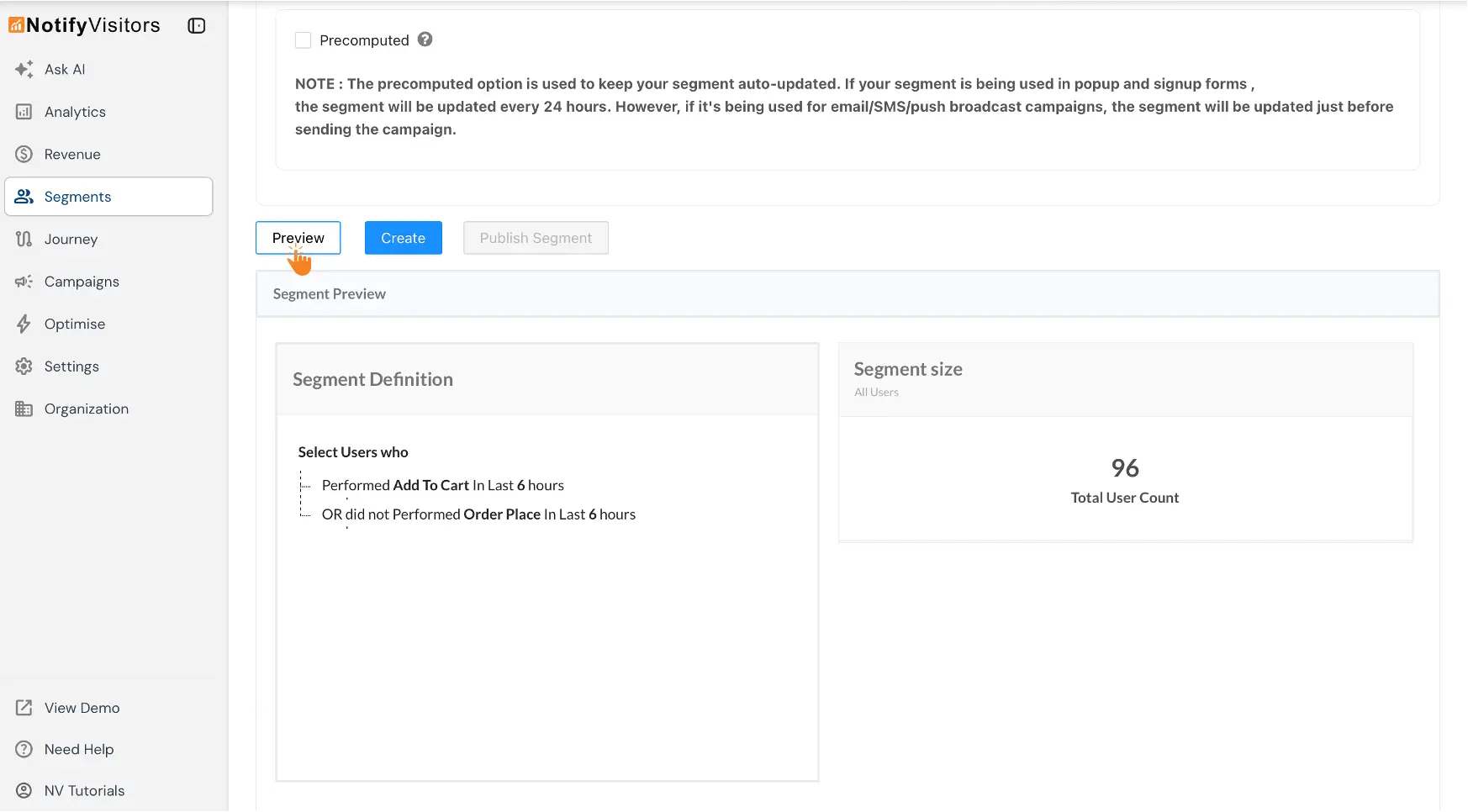
- Adjust rules if needed, Create (or Publish) once the preview looks right.
Build smarter segments, faster—see who qualifies and how many before you hit Create.