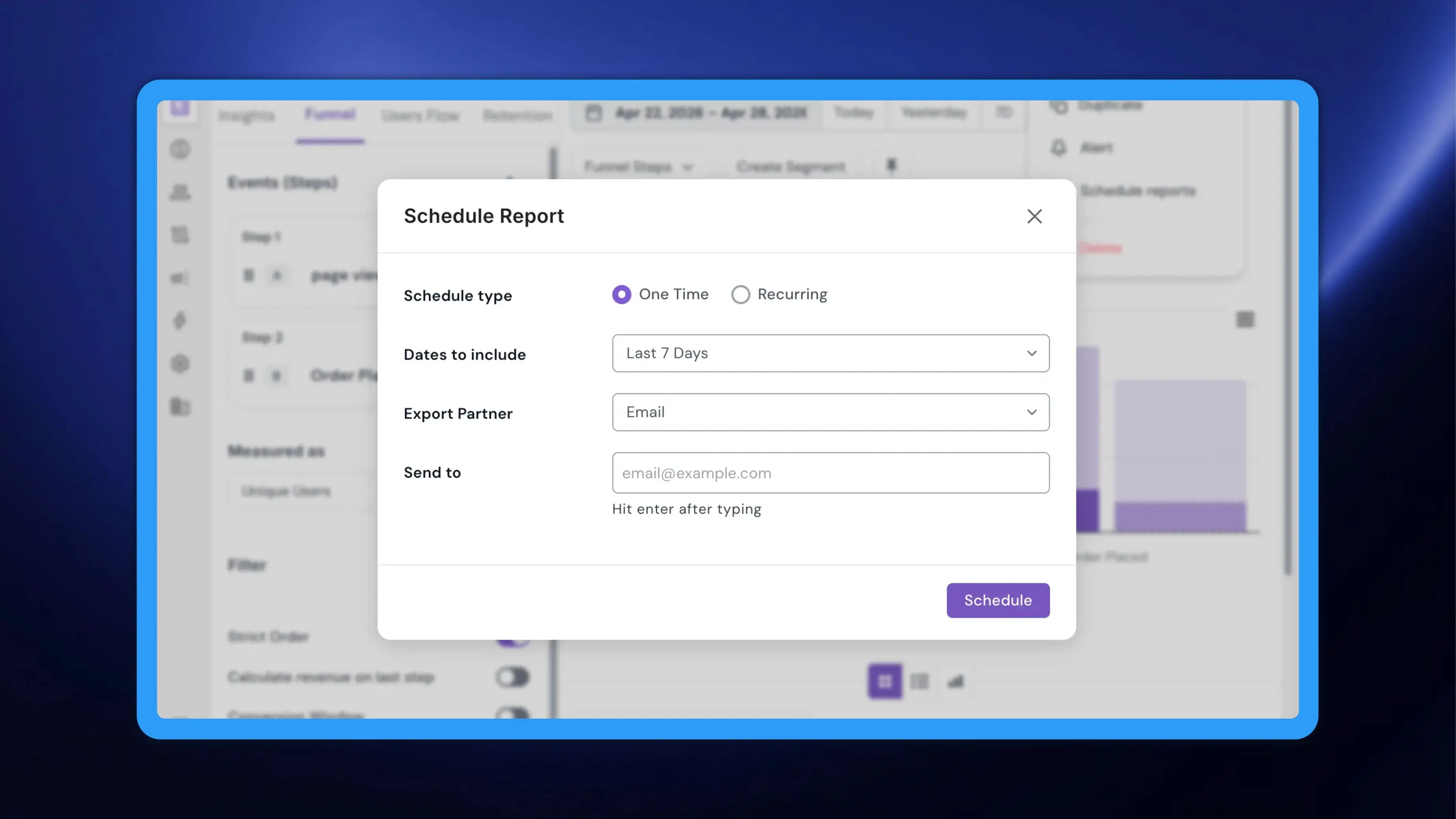
Scheduling a report used to mean leaving the report. You built a funnel or an insight, went off to Settings, found the scheduling screen, picked your report out of a list and configured it from there. NVECTA now puts scheduling inside the report itself — no report picker, and no risk of scheduling the wrong report.
Where to find it
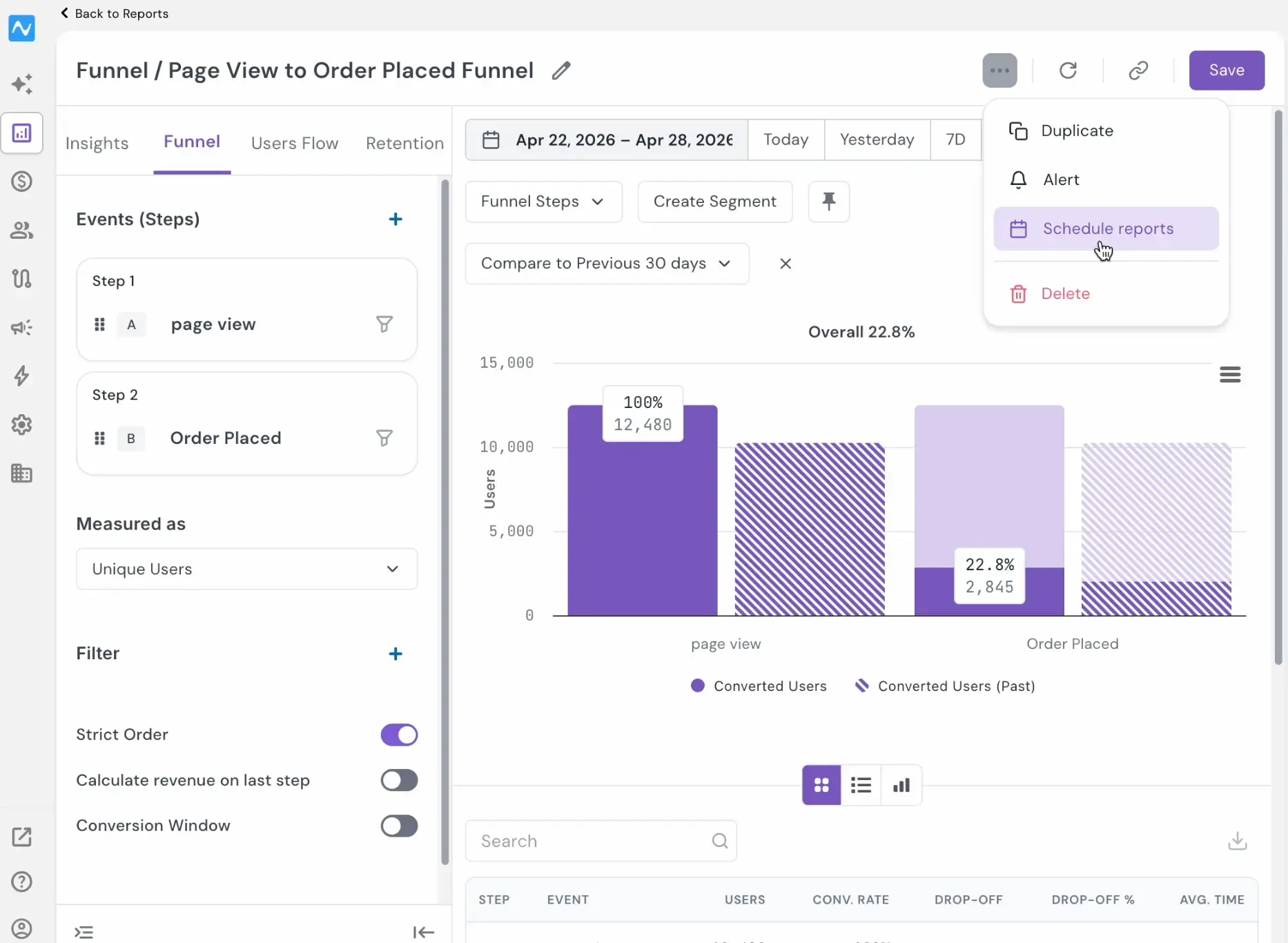
Open any funnel from Analytics → Funnels, click the ... menu to the left of Save at the top right of the report, and choose Schedule reports. Insights works the same way.
Note: A schedule only runs against a saved report, so use Save before you schedule anything that is still unsaved.
How to use it
The dialog opens over your report with following fields:
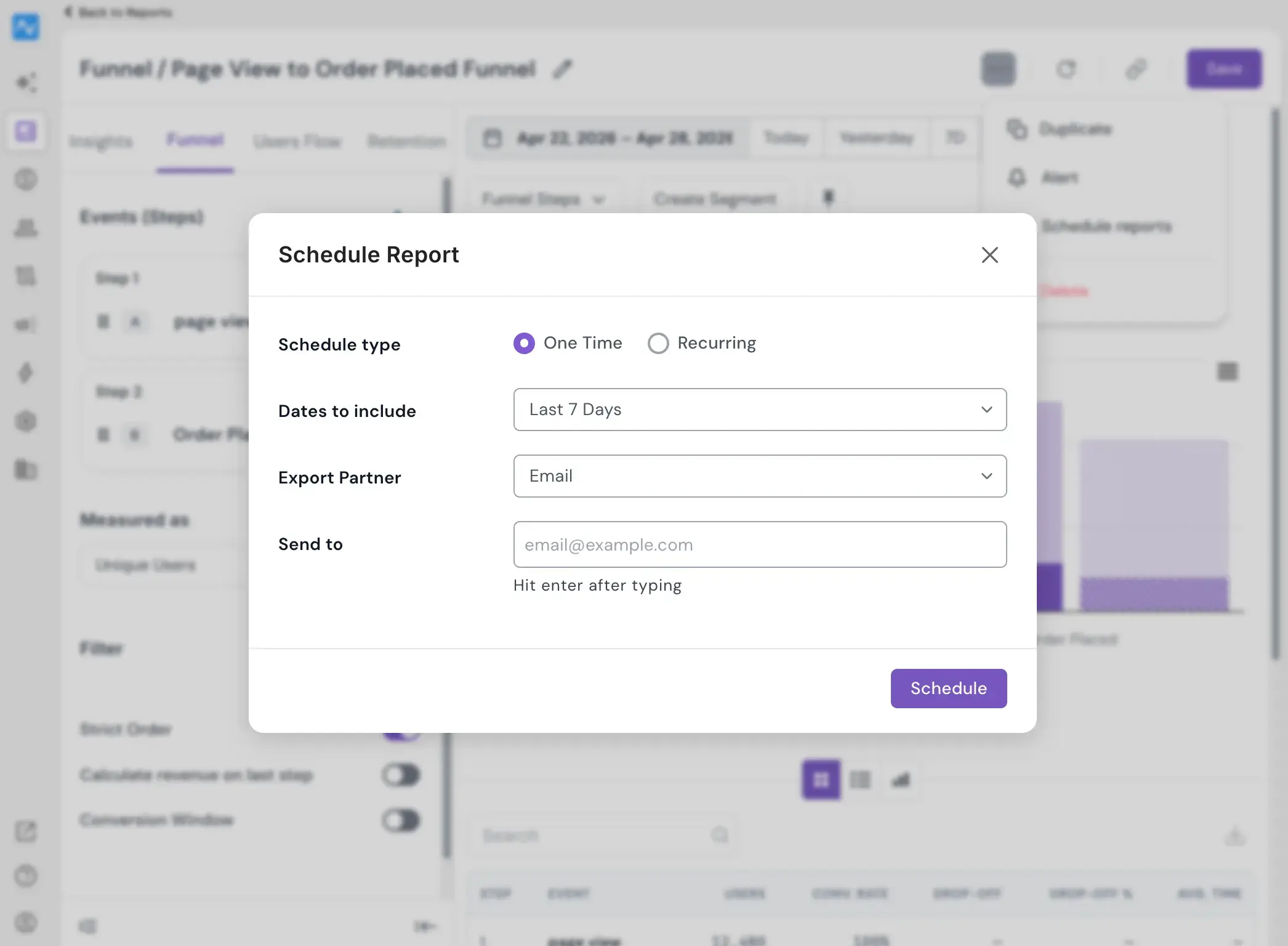
- Schedule type — One Time is selected by default. Switch to Recurring to repeat the delivery. [Recurring adds Frequency and Time, where Weekly asks for a day and defaults to Monday, and Monthly asks for a date and defaults to 1st of Month.]
- Dates to include — the window of data the report covers. [Last 1 Day, 7 Days, Last Month, and more plus a Custom Date picker.]
- Export Partner — including sending to Email addresses or AWS S3 bucket.
Click Schedule to confirm.
Keeping track of what you have scheduled
Once a report is scheduled, the count of schedules appears on the button itself, so you can see how many deliveries are attached without opening anything.
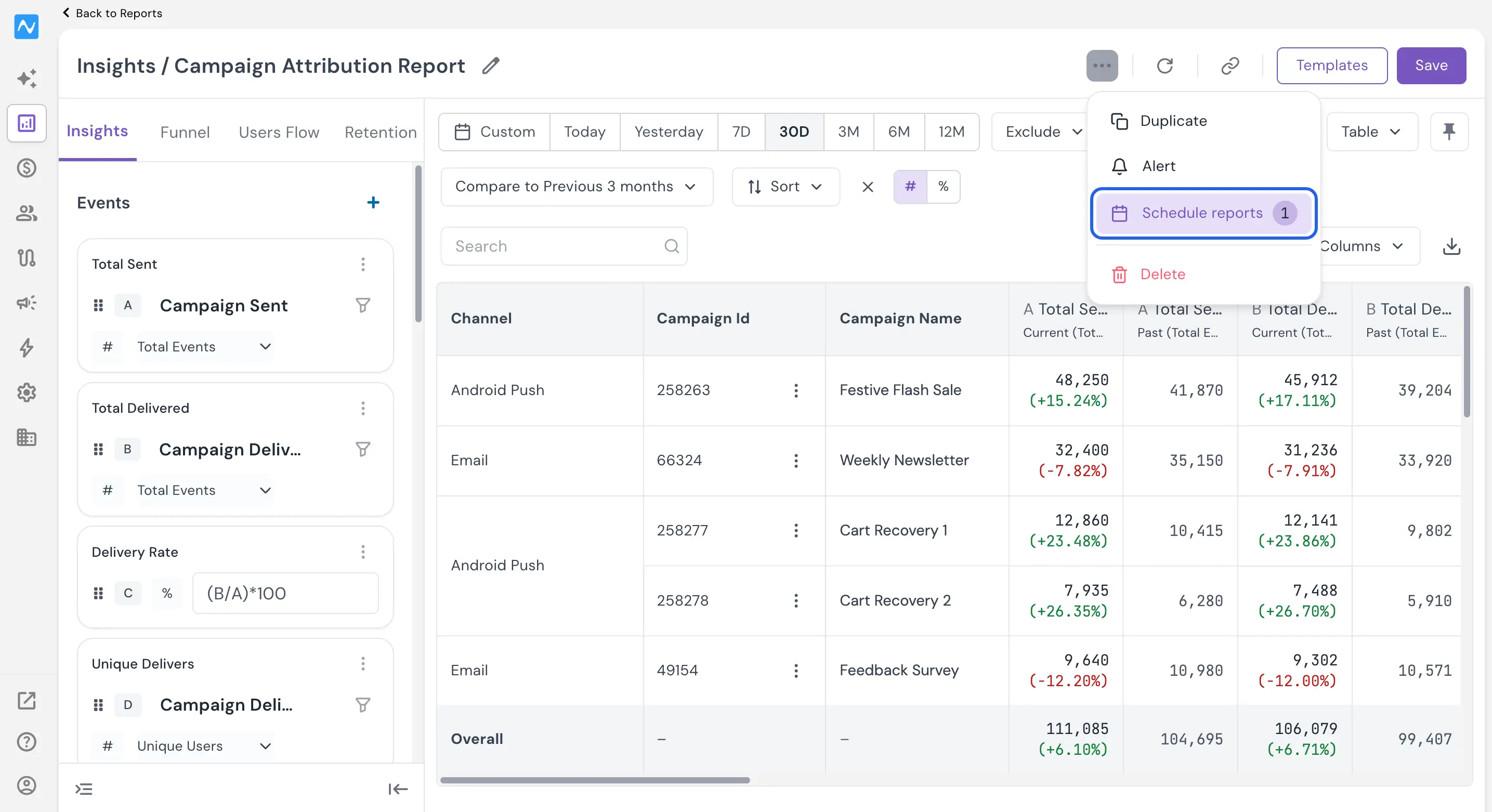
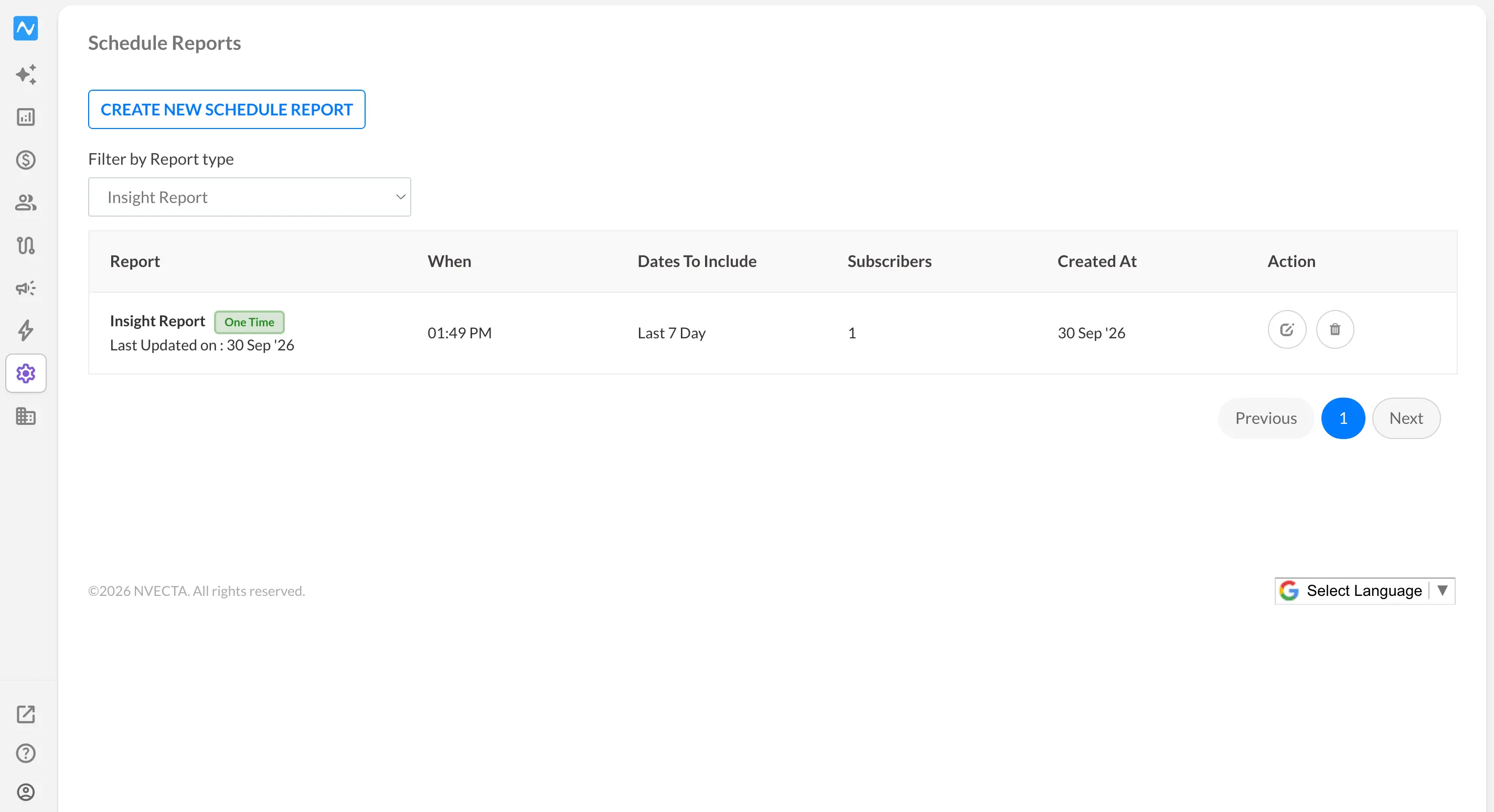
Clicking the number takes you to the Scheduled Reports section, which lists which reports are scheduled, who they go to and when they run, and lets you edit or delete a schedule as usual.
Problem it solves
The work of building a report and the work of distributing it used to sit in different places, and the gap cost you accuracy as well as time: a trip to Settings, a list of similarly named reports to pick from, and the configuration done at a distance from the analysis that prompted it. Scheduling from the report closes that gap. The report you are reading is the report that gets sent, the schedule is created in the same context in which you decided it was needed, and the count on the button means you can tell at a glance whether a report is already being delivered before you set up a duplicate. Nothing you have already scheduled changes, and the Scheduled Reports section remains the single place to edit or remove a schedule.
Decide a report is worth sharing, and schedule it right there without breaking your train of thought.