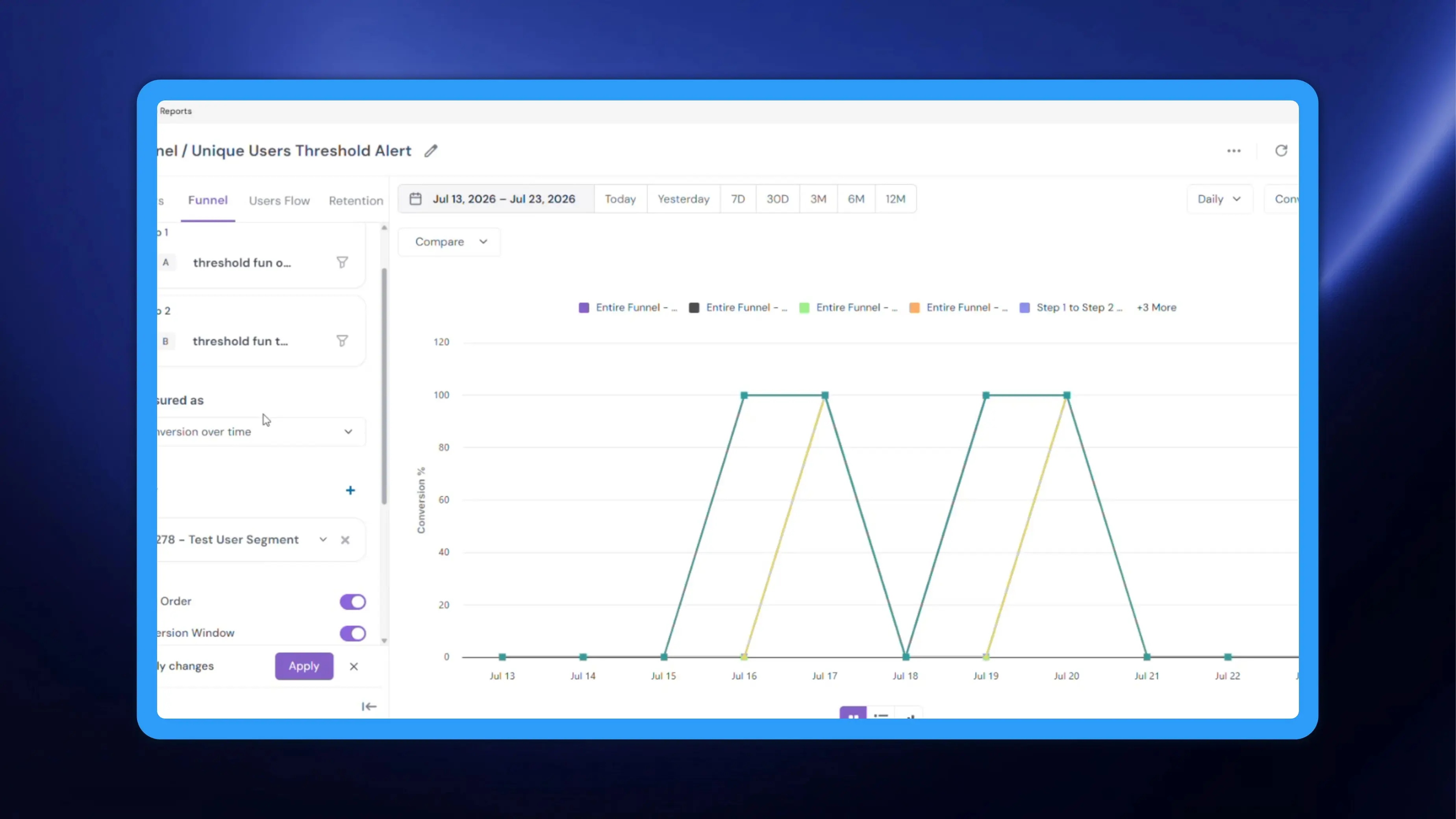
A Funnel report tells you how many users move from one step to the next, but so far it could only be read for everyone in the date range. It was not easy to answer “how did the users in a specific segment convert?” in the Funnel view. NVECTA now gives you a segment filter inside Funnel reports, the same filter already available in Insights. Pick a segment, apply it, and every step count and conversion percentage in the report is recalculated for just those users.
How to use it
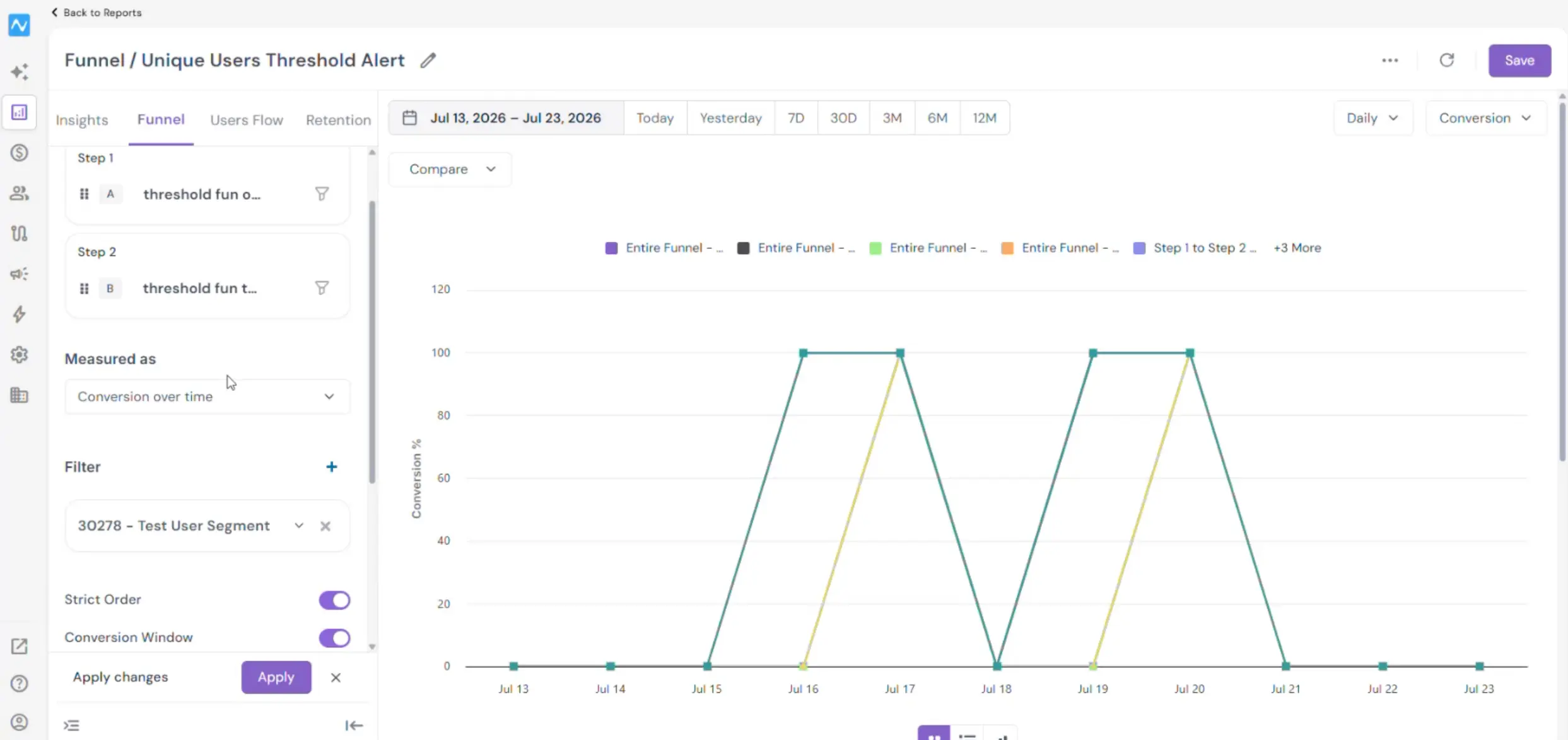
Build your funnel steps as usual, then go to the Filter section in the left panel and click + to add a filter. Choose the segment you want to measure. Segments are listed with their ID and name, so a selection reads as 4324 - Purchase funnel. The chip stays in the Filter section with a caret for changing the selection and an X for clearing it. Click Apply in the Apply changes bar to run the report against that audience.
Everything else about the report stays intact. Measured as (Unique users or Conversion over time), Strict Order, Conversion Window, the date range, the Daily granularity dropdown and the Conversion metric dropdown all behave exactly as before; the segment filter only narrows the set of users those settings are calculated over. Remove the chip with X and click Apply again to return to the unfiltered funnel.
Example
Say you run an e-commerce app and your checkout funnel converts at a rate you cannot act on, because it averages first-time visitors together with repeat buyers. Build the funnel from your product-view step through to your order-placed step, then add your repeat-buyer segment in Filter and click Apply. The step counts and the conversion percentage now describe repeat buyers only, and the drop-off you see between steps is theirs. Swap the chip for your first-time-visitor segment, apply again, and you have the same funnel for the other group. Reading the two side by side tells you which step to fix and for whom, which the blended number never could.