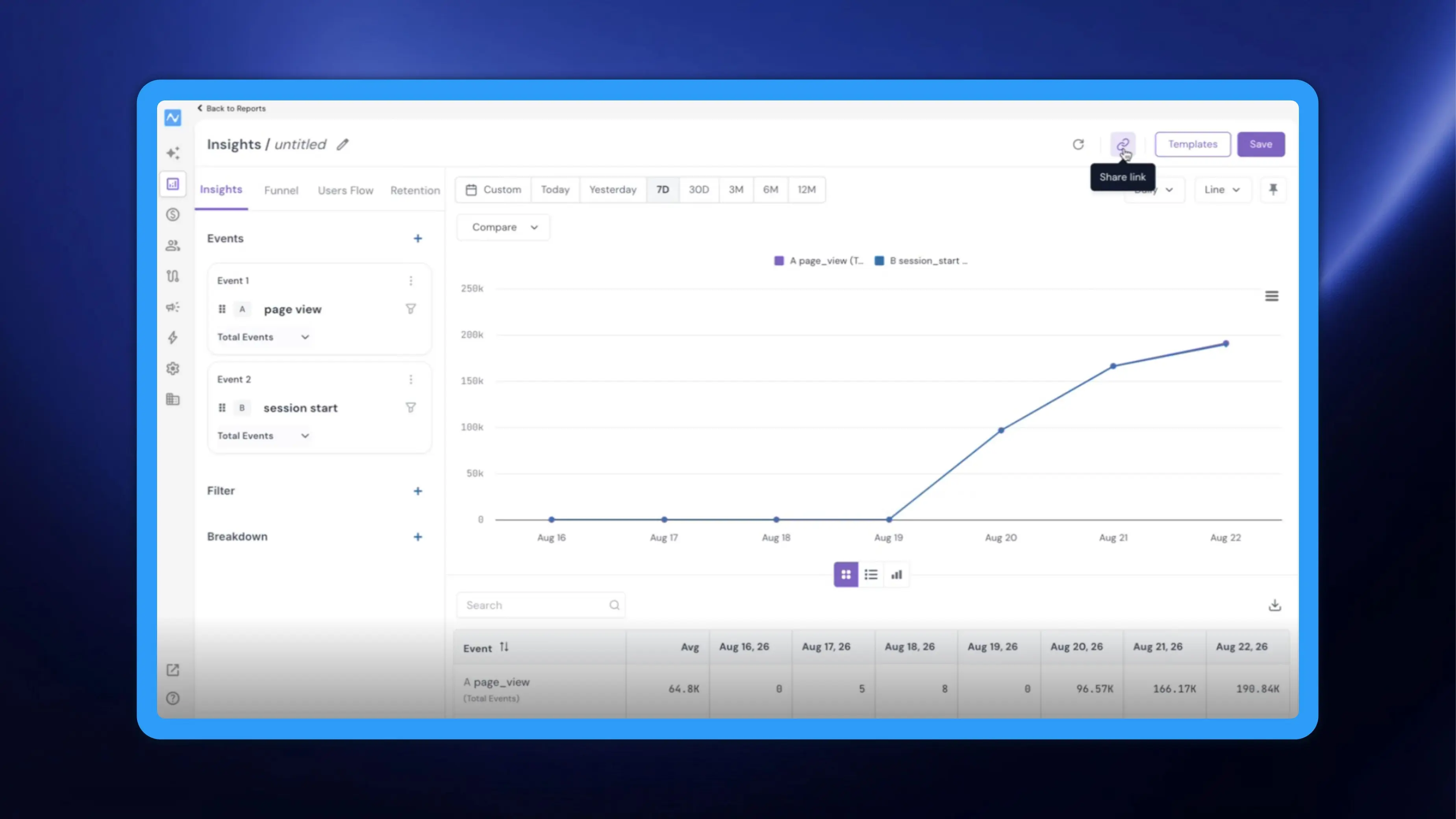
Sharing an insight used to mean saving it. You would build the report you wanted to show someone, save it so it had somewhere to live, and send that on — and your report list slowly filled with copies that exist for no reason except that they once needed sharing.
NVECTA now gives every Insights report a Share link. Configure the report however you need it, click the icon, and you get a link that opens the report in exactly that state for whoever you send it to. Nothing is saved, nothing is added to your report list, and Save keeps working exactly as before for the reports you genuinely want to keep.
How to use it
Create new Insights report or open an existing one. Set the report up the way you want it seen: choose your events, add a Filter or a Breakdown, pick the date range, turn on Compare, switch the chart or table view. Then click Share link and pass the link on.
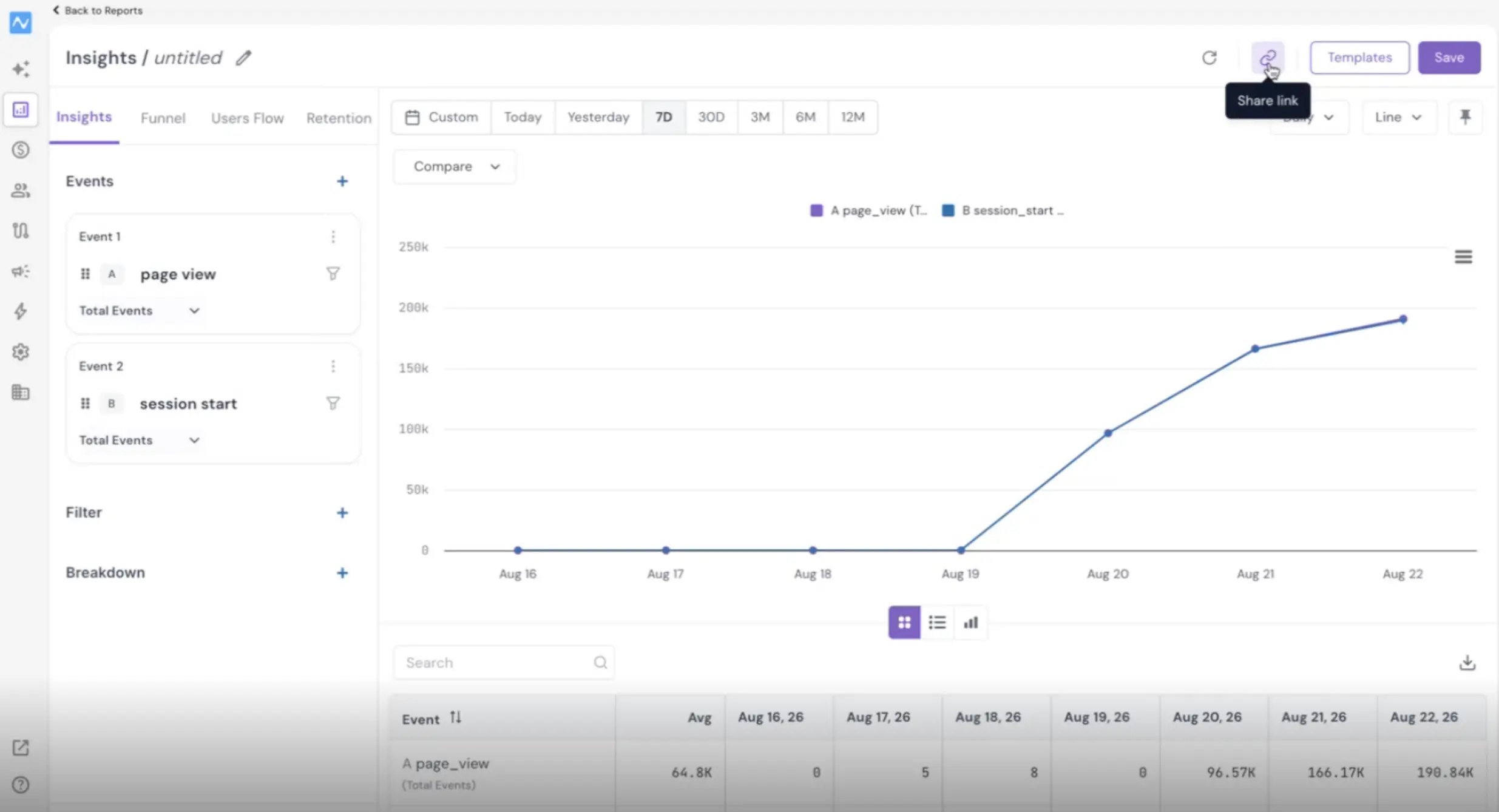
The link carries the configuration you had on screen when you created it. Whoever opens it (with access to the account) lands on the same report in Insights, with the same events, filters, breakdown and range, showing the same data.
If you carry on adjusting the report afterwards, the link you already sent keeps the state it was made with, so create a fresh one for the new version. There is no save step in any of this, and no limit on how many times you do it.
Note: To open the Share link for an insight report, the recipient must have access to the account. The Shared link has no expiration date.
A worked example
Say you run analytics for an e-commerce business and your head of growth asks why last week’s traffic did not convert. You open Insights, put your page-view and order events side by side, break the report down by the acquisition property you care about, set the range to the week in question, and within a few minutes you can see the answer. Previously you would have saved that as a report just to send it, and it would have sat in the list forever next to a dozen others named some variant of the same thing.