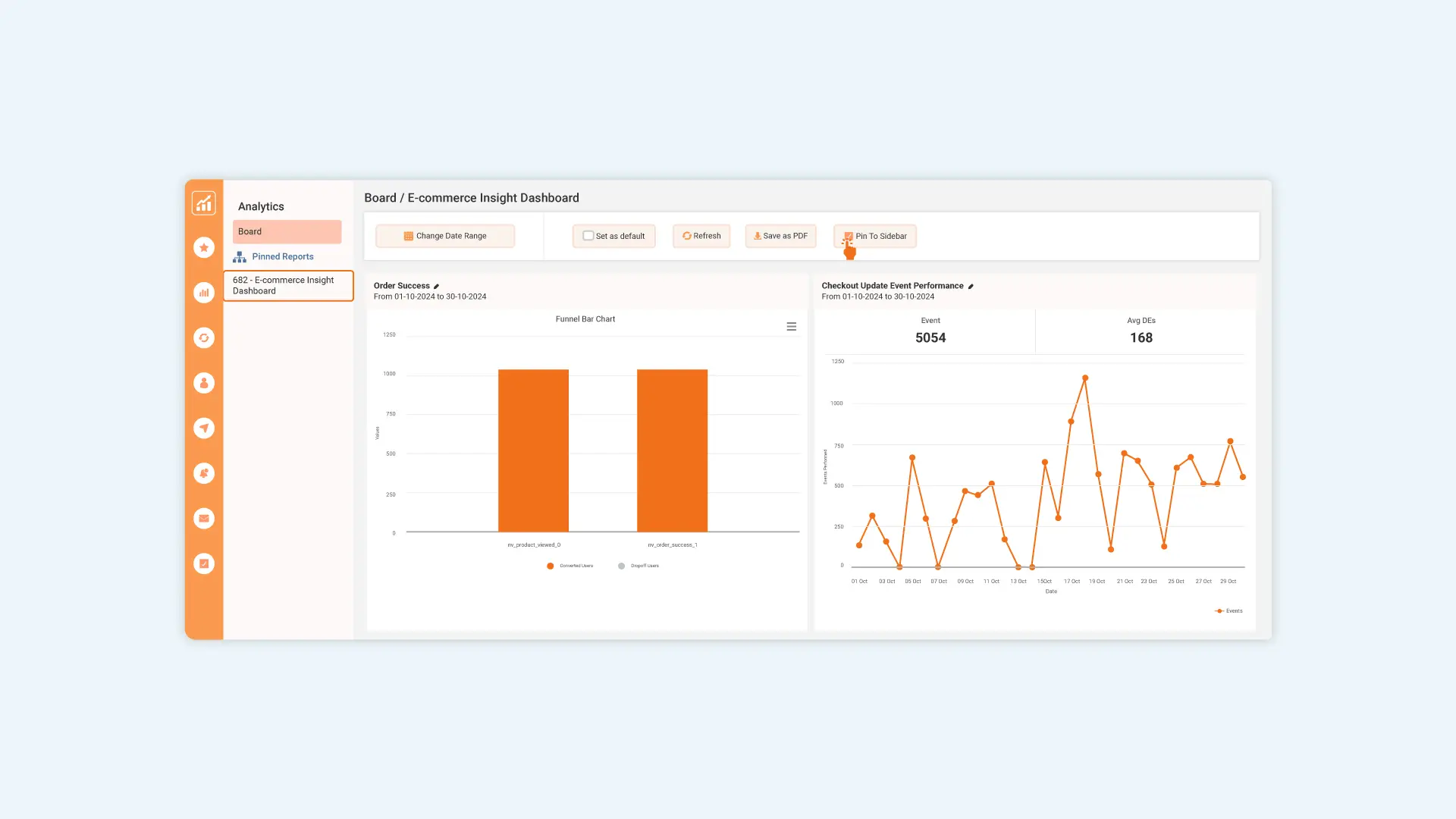
The "Pin to Sidebar" feature allows you to easily access your frequently used analytics by pinning them directly to the sidebar.
You can pin any type of report, whether it's a custom board, events, insights, cohorts, or other analytics views. Once pinned, these reports will appear under the “Pinned Reports” section within the Analytics menu.

How to Use:
-
Open any analytics page or custom board.
-
Click the “Pin to Sidebar” checkbox to pin the report.
-
To unpin, simply revisit the page and uncheck the box.
This makes navigation faster and streamlines your workflow by keeping key insights just one click away.